4.3 Using Power Fluctuation Testing (Simulation) Function
DP Series/DP Series Type R
135
3.
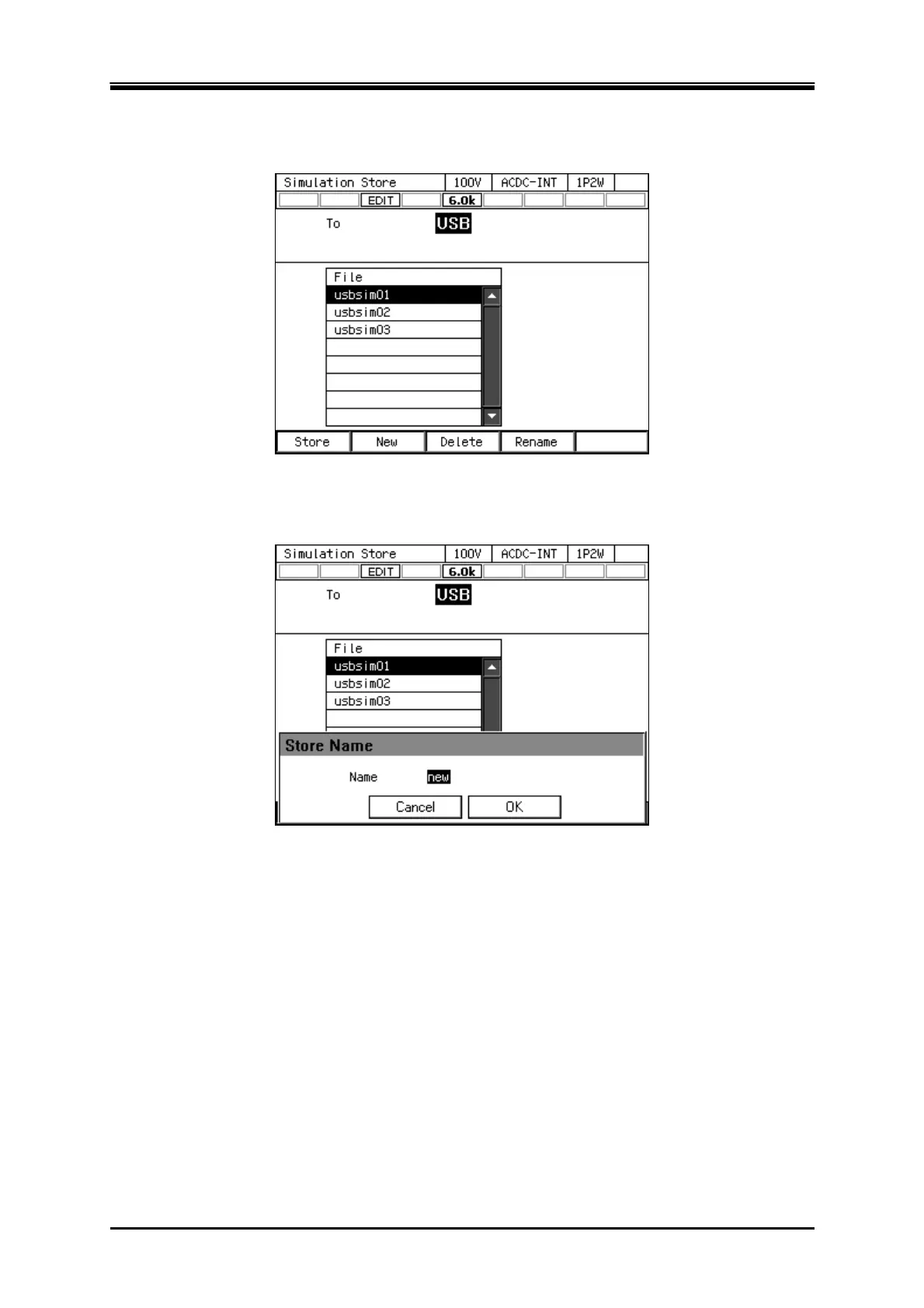
Push [New] soft-key to save for the first time. To overwrite the existing data, select the data to
be overwritten in data list box, and push [Store] soft-key.
4.
A window to confirm the save name opens. Enter the name, and then select [OK]. For how to
enter a string, see
3.3.6
.
-------- Notes ------------------------------------------------------------------------------------------------------------
The number of simulation data files saved in a USB memory should be 500 or less. If the
number of files exceeds this limit, this product cannot recognize the simulation data files in the
USB memory.
-----------------------------------------------------------------------------------------------------------------------------



 To Next Page