4. Advanced Operation
PROGRAMMABLE AC POWER SOURCE
134
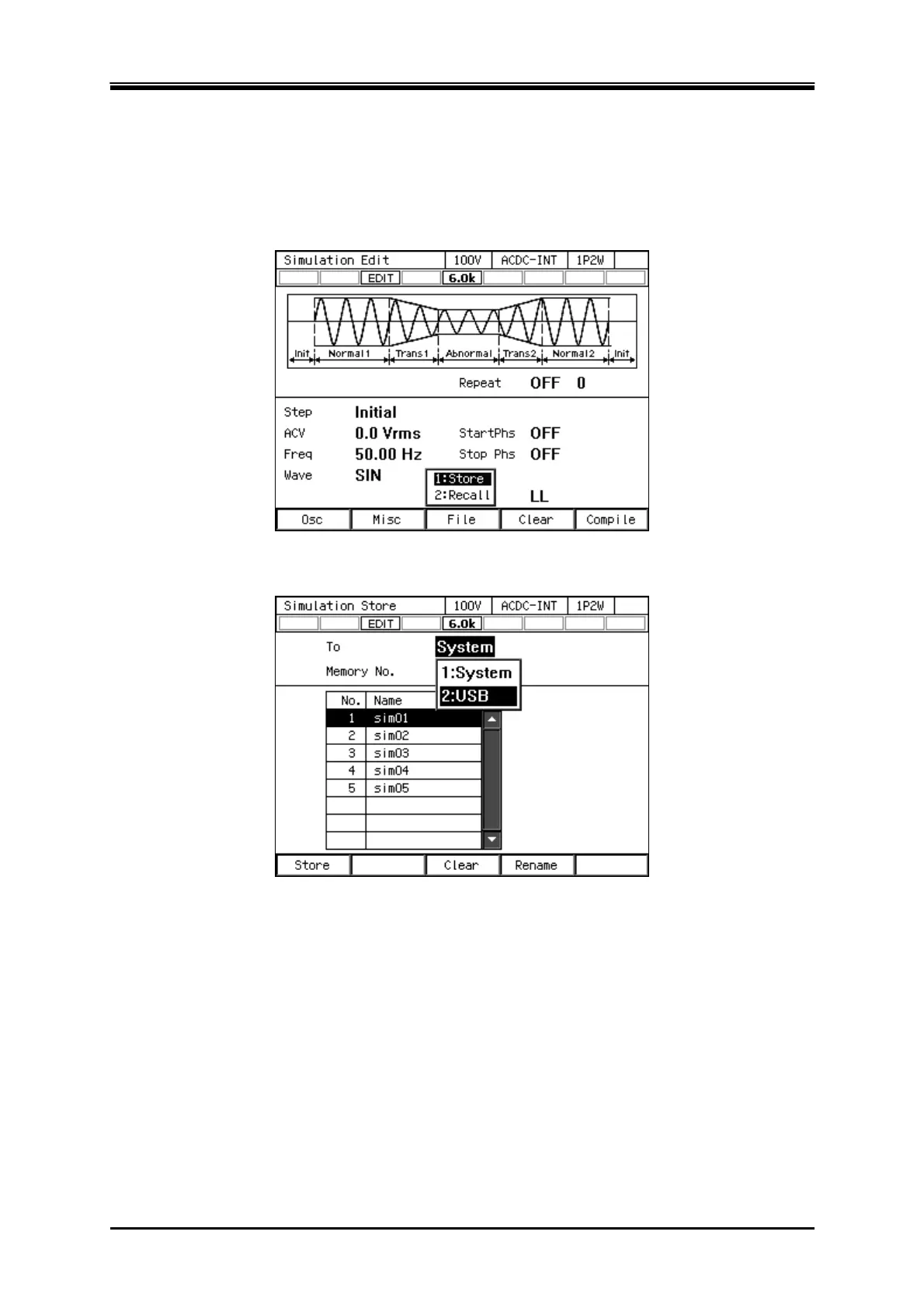
Saving the simulation in the USB memory
For how to connect USB memory to this product, and how to disconnect from this product, see 4.9.
1.
In the Simulation Edit View, press the select the [File] soft-key - [1: Store]. The Simulation
Store View opens.
2.
In the [To] item, select [2: USB].



 To Next Page