4.3 Using Power Fluctuation Testing (Simulation) Function
DP Series/DP Series Type R
133
2.
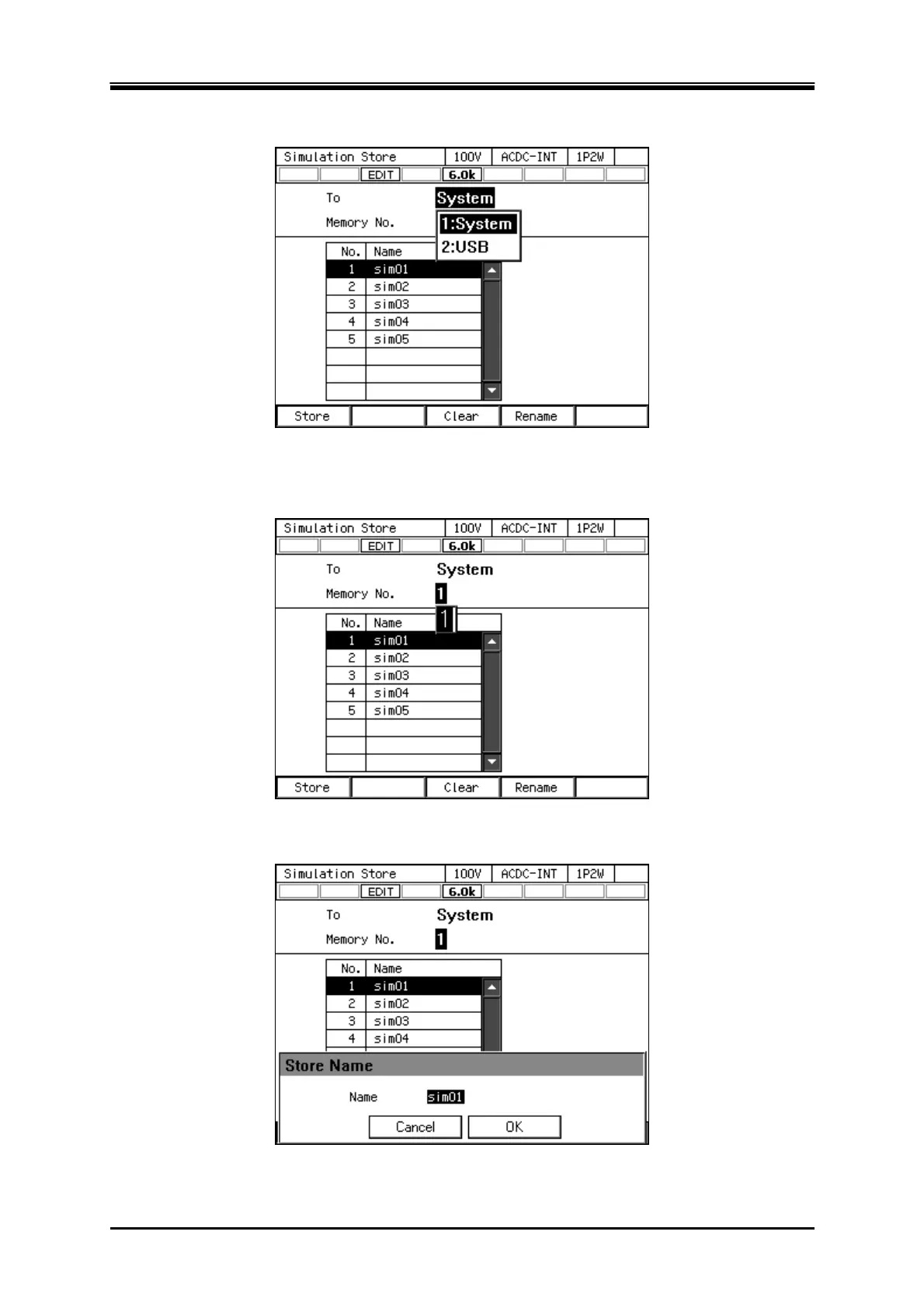
In the [To] item, select [1: System].
3.
Specify the memory number of location to save in [Memory No.] item, and then push [Store]
soft-key.
4.
A window to confirm the save name opens. Enter the name, and then select [OK]. For how to
enter a string, see
3.3.6
.



 To Next Page