6. Remote Control
PROGRAMMABLE AC POWER SOURCE
236
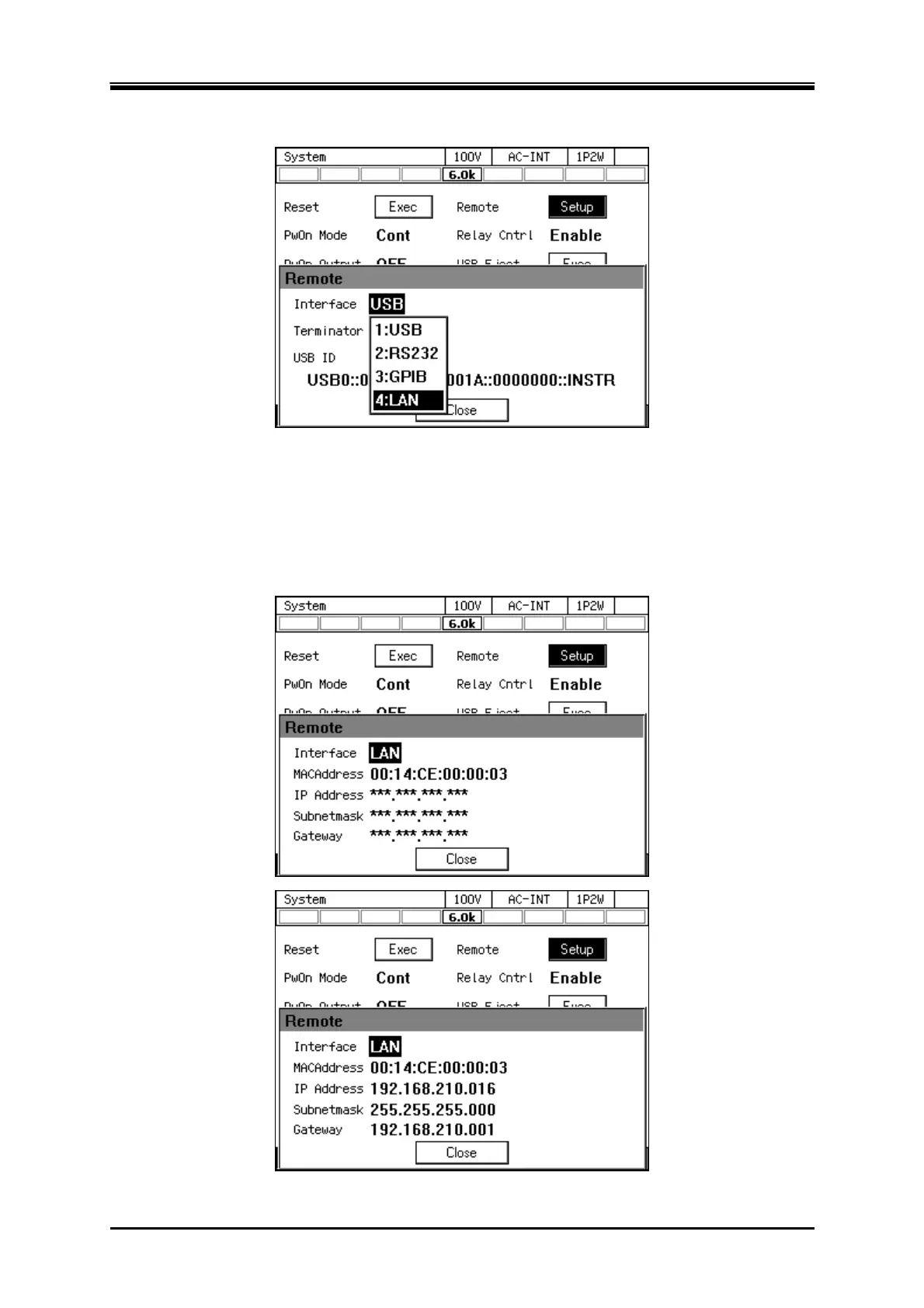
4. In the [Interface] item, select [LAN].
5. The current [MAC Address], [IP Address], [Subnet mask] and [Gateway] are displayed. When not
using fixed IP, *** is displayed because it is uncertain except for MAC Address immediately after
interface switching. After assignment, the display such as IP Address will be updated. Refer to the
matters for IP address setting etc. For details, refer to “Instruction Manual (Remote Control)"
contained in the CD-ROM.



 To Next Page