3.4 Using the Continuous Function
DP Series/DP Series Type R
57
3.
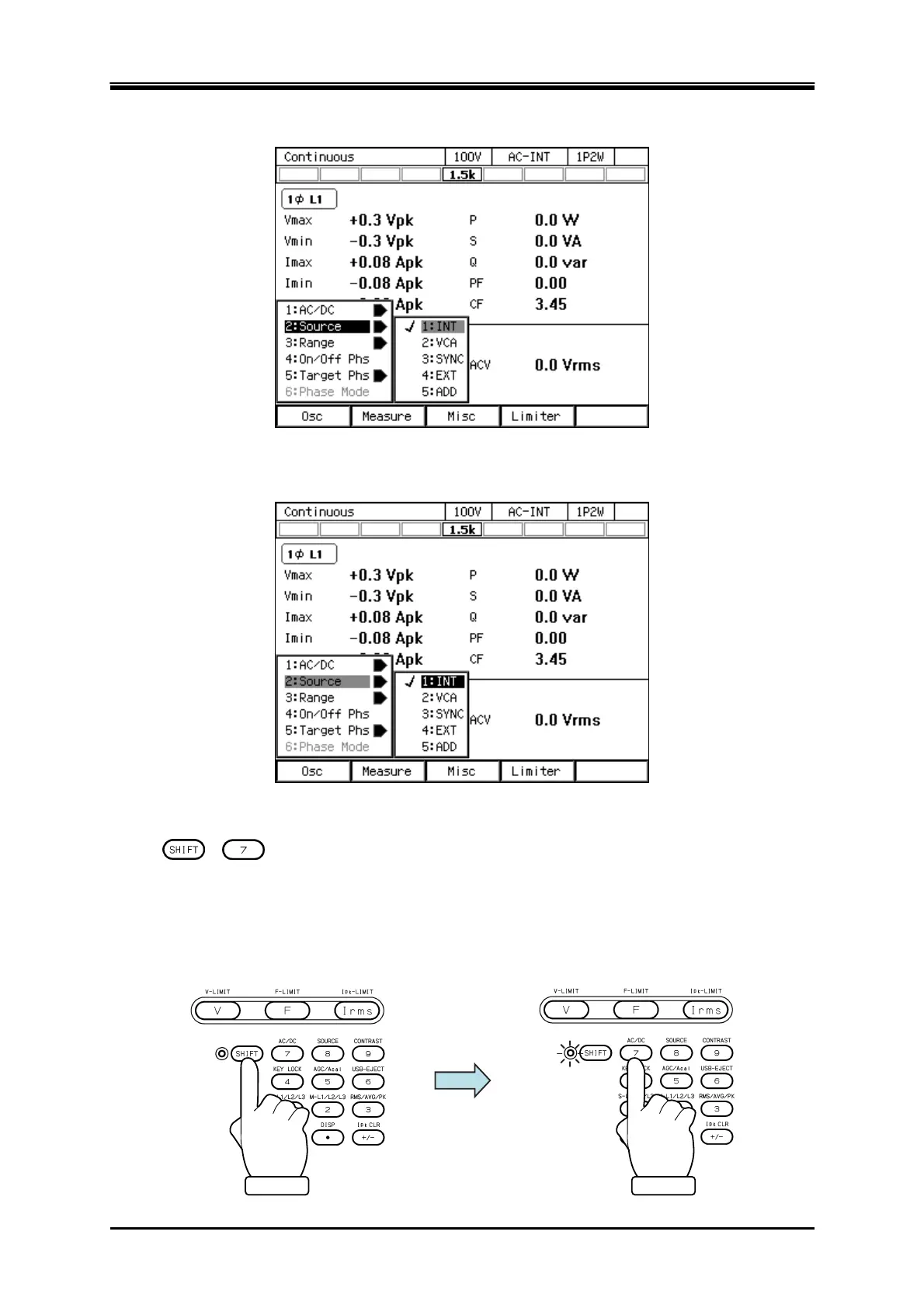
Press the [Osc] soft-key and select [2:Source].
4.
In the displayed selection box, select the desired signal source.
Operation procedures by using shortcuts
1.
+ Switching the AC/DC mode
Press the SHIFT key to enter the shift state (the SHIFT LED illuminates). When you press the 7
key of the numeric keypad during the shift state, the AC/DC mode is switched in the following
order: AC, ACDC, DC, AC. Some modes may be skipped and cannot be selected depending on
the signal source.



 To Next Page