3-97
3
MENU/4: Data
CO records
A comment added to the job from the system.
For example, when you change the Stn-Z by the Remote Benchmark
function, or the horizontal angle is adjusted by the BSCheck function,
the system records what you have done in the field.
A sample comment record from the
Remote Benchmark function.
Temperature, Presssure and Prism
Constant record (SY record) is also stored
when you complete each station setup.
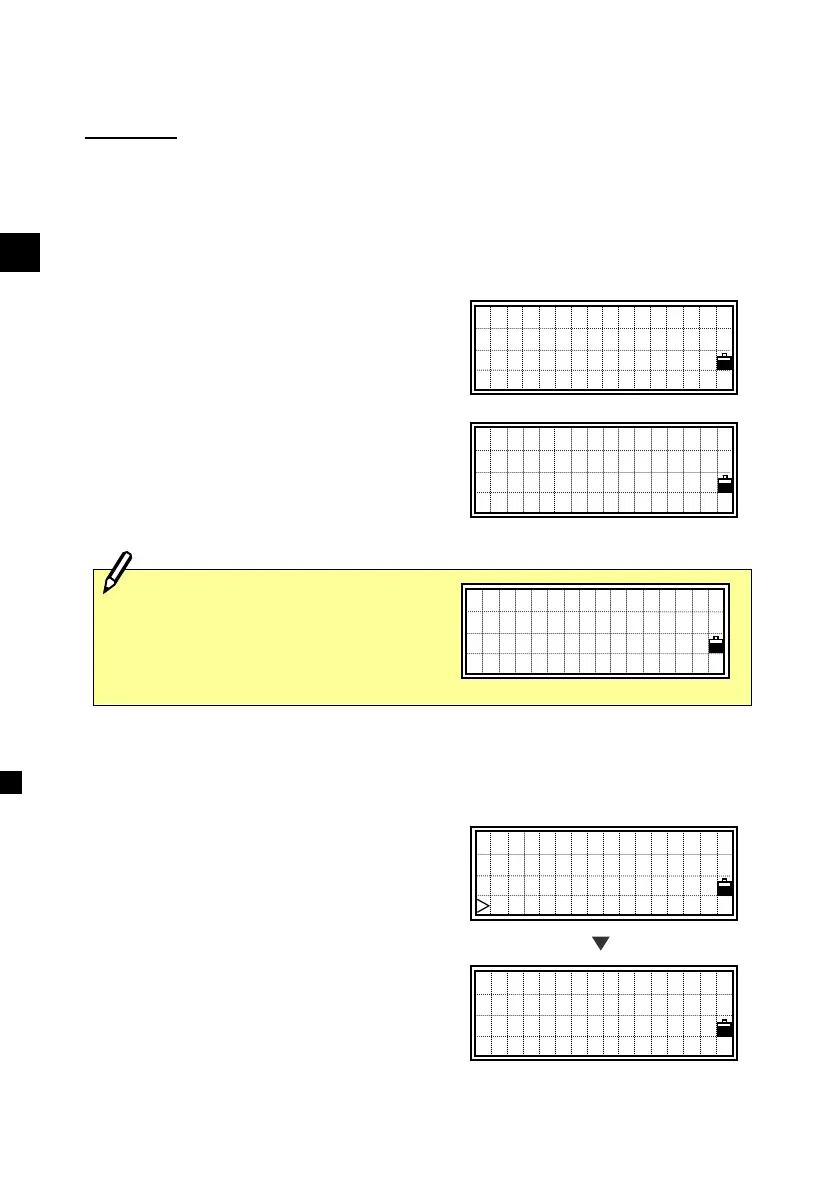
4-1-2) Displaying Coordinate data
First, the last four records are displayed
when you select [2:XYZ data] in Data
menu. You can use the Up/Down arrow
keys to scroll through the records.
Press the [ENT] key to see more detailed
information.
CO,Remote BM Ca
lc.Z=501.193 -S
tn Point Update
d
CO,Temperature:
95 Fahrenheit
Pressure: 29.9
inHg Prism:30
When no record is stored in the RAW
database, it shows an error screen.
Press any key to return to the previous
screen.
No Data
Press any key
UP,536,
UP,537 ,CURB
MP,1,
MP,2,STN ↓
PT:2
E: 1503024 .5590
N:-8924512.2541
Z:
[ENT]












 To Next Page