3-112
3
MENU/4: Data
When either string is changed, a
confirmation screen will be displayed.
Press [ENT] or [4:Yes] to accept the
change.
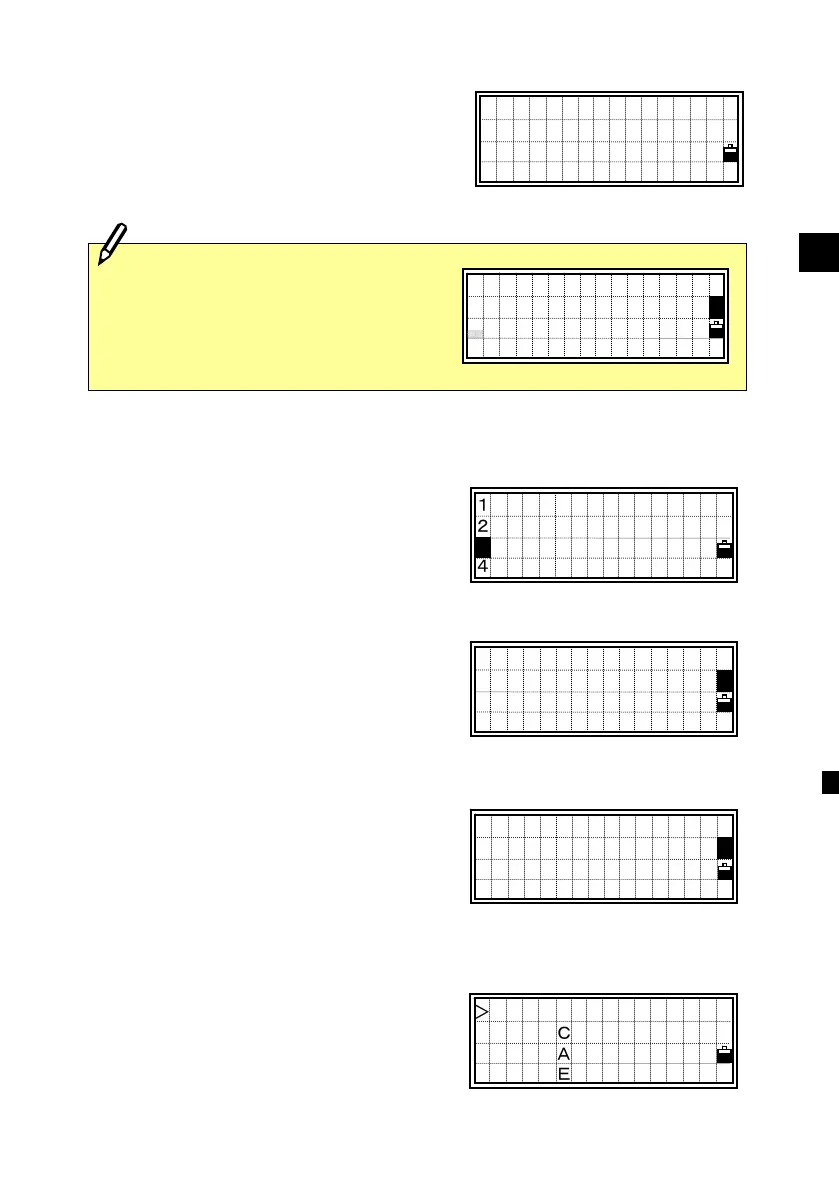
4-6-3) Add new Code
Press the [3] numeric key or down arrow
and [ENT] to select [3:Add Code]. You
can add a new feature code to the current
layer.
Type the feature code. Pressing the
[Mode] key changes the input mode
between alphabet and numeric.
In the CD: field, you can input the word
you want to display in the List.
The last line is an optional field if you
want to record a different code than the
one that is displayed in the List. (See
p.3-106)
Press [ENT] in the second field to store
the new code.
When a new code is added, the order of
the codes in the current layer will be
rearranged in alphabetical order and
displayed from the first four items.
AT/BM
STRUCTURE
SURFACE
SURVEY→ ↓
Input Code
CD:AT/BM
■
( )
1:DEL
2:Edit
3:Add Code
4:Add Layer
3
Save change?
PALM TREE(1158
→ELM TREE(1147-
No Yes
When a Layer is edited, a single line
input screen is shown. Press the
[ENT] key after you change the layer
name.
Edit Layer Name
CEDAR
Input Code
CD:AT/BM
(5087
)












 To Next Page