8-5
8
ERROR MESSAGES AND ACTIONS
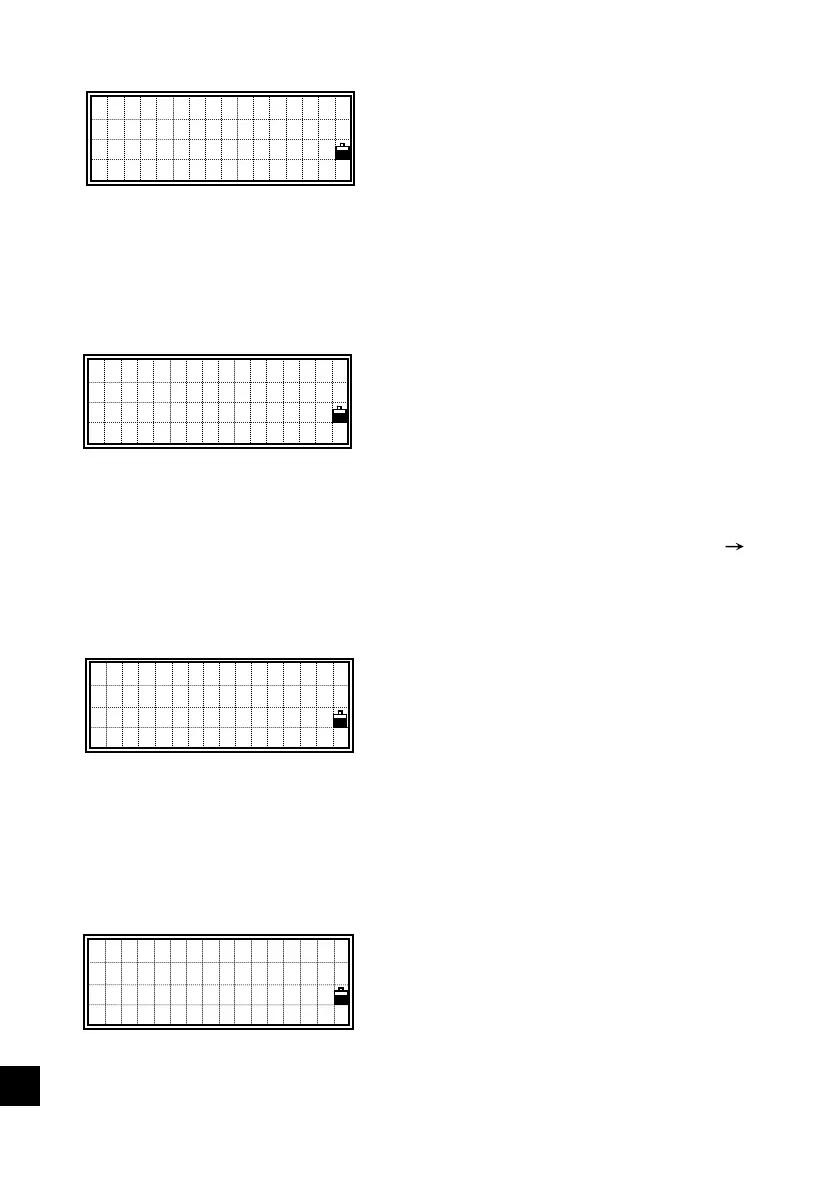
When the style of the point name does not
match between ‘Fr’ and ‘To'. (Ex. Fr=1,
To=A-100 etc.)
Action : Press any key to return to the
range input screen.
6) In Job Manager
There are already 8 Jobs (maximum)
when you try to create a new job.
Action : Press any key to return to the job
list. You need to move the
cursor using the up/down arrow
keys to any unnecessary job and
delete it by pressing [MENU]
[2:DEL].
All the data recording area are occupied.
Even if you have not created 8 jobs, some
jobs use more than two blocks, i.e., some
contain 1024 records or more in one job.
Action: Press any key to return to the job
list. You need to delete
unnecessary records or jobs.
An existing JOB name is input.
Action : [1:No]/[ESC]=returns to the Job
name input screen.
[4:Yes]/[ENT]=opens the existing
Job.
!Can’t Create
MAX 8 Jobs
Press any key
!Existing Name
Open this Job?
No Yes
!Can’t Create
ll data blocks
are in use
Press any key
!Input Error
Fr&To must be
in same style
Press any key












 To Next Page