3-38
3
STN
1: Known
→
1:Coord
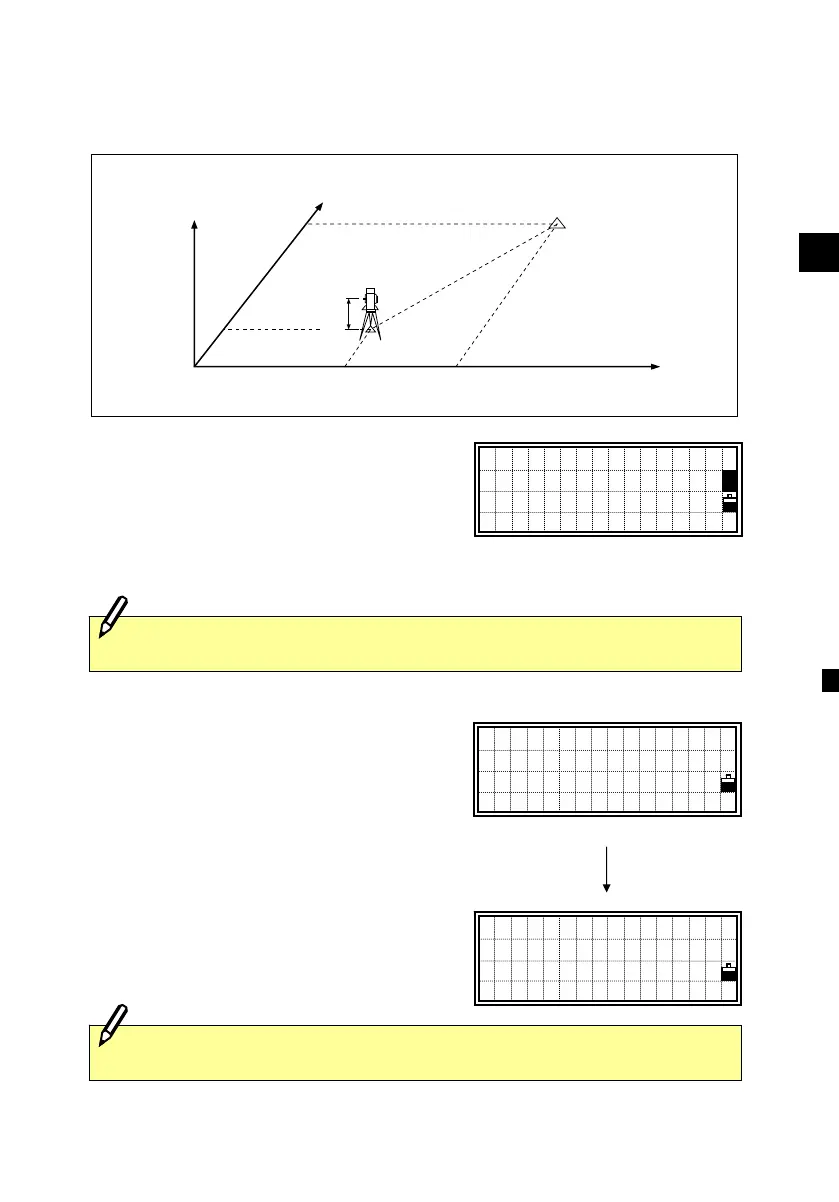
Sighting the BS (backsight) point by inputting coordinates
Press the [1] key to display the screen for
inputting the BS point name and Height of
target. Type the point name first. When
the Pt exists in the Job, its coordinates will
be shown.
Sight the Backsight on FACE1 and take a
measurement.
Press the [ENT] key to finish the station
setup by an angle measurement to the BS.
AZ: Azimuth calculated from coordinates
The [4:F2] key is to take an angle shot and
proceeds to another measurement on
FACE2.
Z
Y
X0
X
Xb
Y0 Yb
Station point
(Xi, Yi, Zi)
Backsight point
(Xb, Yb, Zb)
Instrument height
Code can be input only when a new PT: is entered.
Sight BS
AZ:123°45’50”
Press MSRorENT
STN1/2 F2
Input BS Point
PT:
■
HT: 1.6280m
CD:
1
Turn to F2
(ESC for Abort)
[4]
[F2] key is not available in DTM-330.












 To Next Page