3-55
3
S-O
================== Advanced Functionalities =====================
Specify a Stakeout List by Range-Input
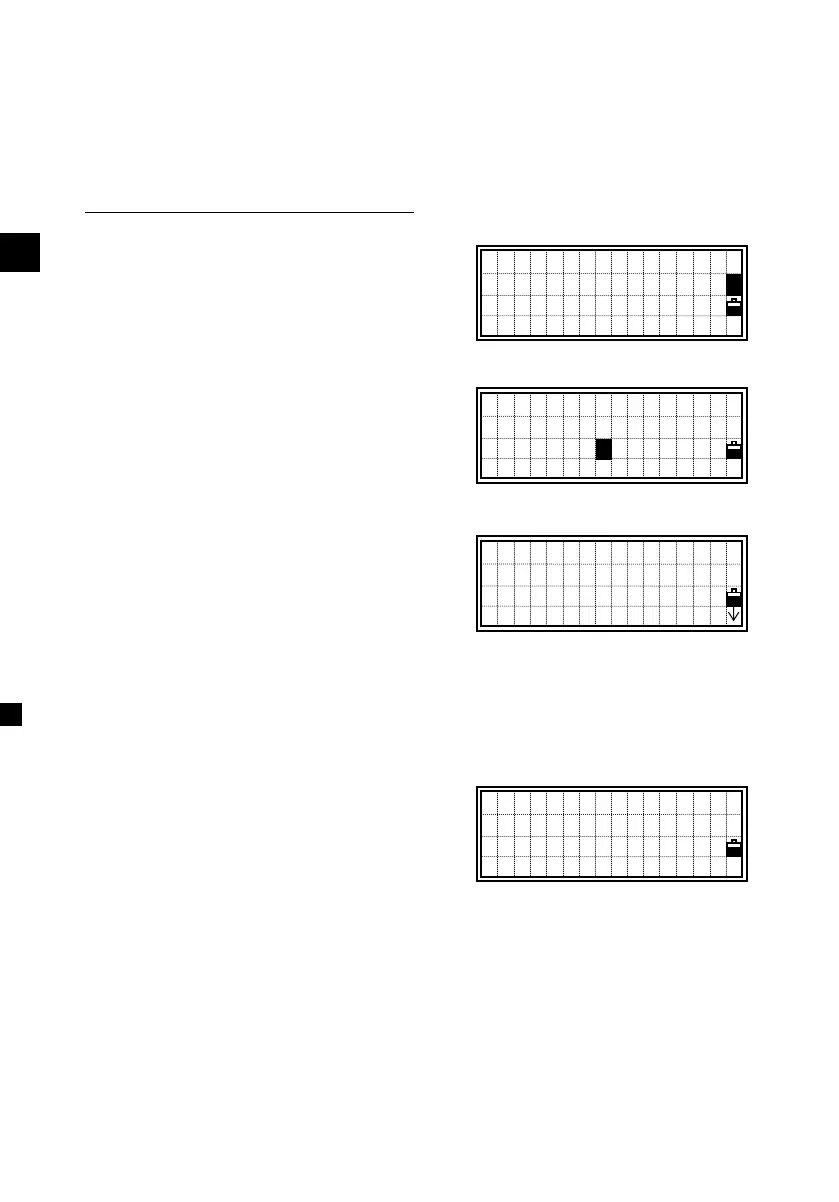
Press the [MODE] key twice while
the cursor is in the PT field to show
the [Pts] softkey.
Input the start point (Fr) and the end
point (To). The range has to be less
than 1001 points.
A point list is shown when any existing
point is found between ‘Fr’ and ‘To’.
Select a point by up/down arrow keys
and press [ENT] to go to the stakeout
observation screen.
(The rest of the operation in Stakeout is
exactly the same with XYZ stakeout.)
When you assign the Control Job and
the additional points are found there
as well as in the current Job, a softkey
(Ctrl) is shown on the List.
=============================================================
PT:
CD:s
R: m
PTs
1
PT Range Input
Fr:1000
To:2000
UP,1500,CURB
UP,1501,MANHOL
UP,1502,
UP,1503,FENCE
MP,A-1,KERB
MP,A-2,POLE
MP,A-3,
Ctrl












 To Next Page