Menu items
36
Menu items
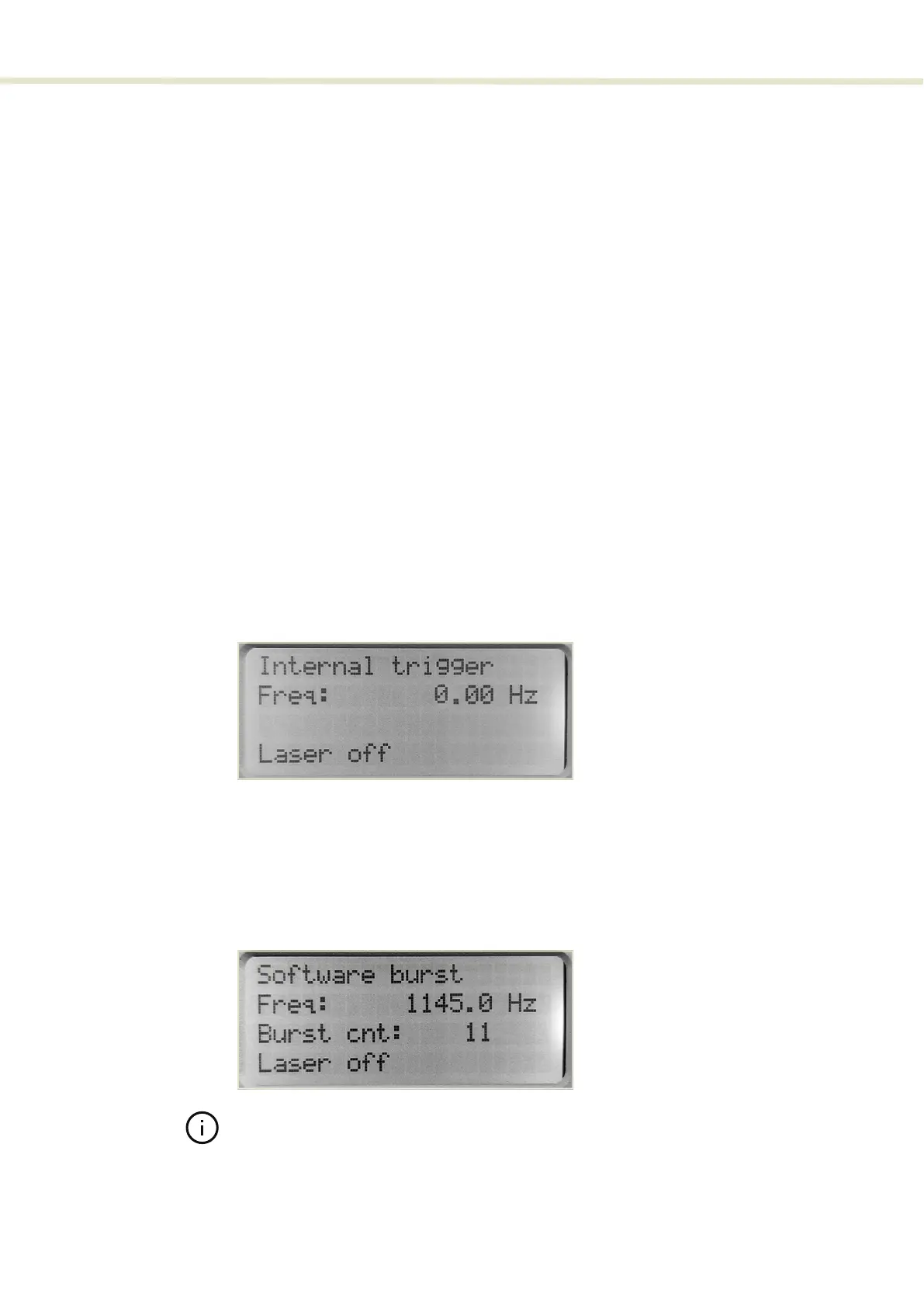
Top menu level The top menu level (Figure 9) displays the following:
• Trigger mode (Operating mode)
• Pulse Frequency
• Number of burst pulses (count)
At the bottom of the top menu level screen, the laser’s status is displayed. Status
messages include the:
• Emission state
• Alarms
• Notifications
Access the top menu
To access the top menu, press the return button once or twice until the display
exits the sub-menus.
Figure 9 Top level menu – Internal trigger mode
Top level menu - Operating mode setting
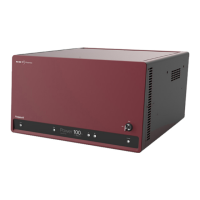
In the top level menu, the currently set operating mode is shown at the top. The
mode can be any of the operation modes configurable using the Operating
mode sub-menu. Figure 10 shows an example of the top level menu with the
laser set to the Software burst operating mode.
Figure 10 Top level menu - Software burst mode
Note: You can also use CONTROL to set the operating mode. In CONTROL the
modes are configured as Trigger modes - see “Trigger mode” on page 62.
2


 To Next Page