Additional call features
102
Using Radio Page
Use the Radio Page feature to page a person. The paged person
answers the call after entering a special Page Meet-me code from any
telephone.
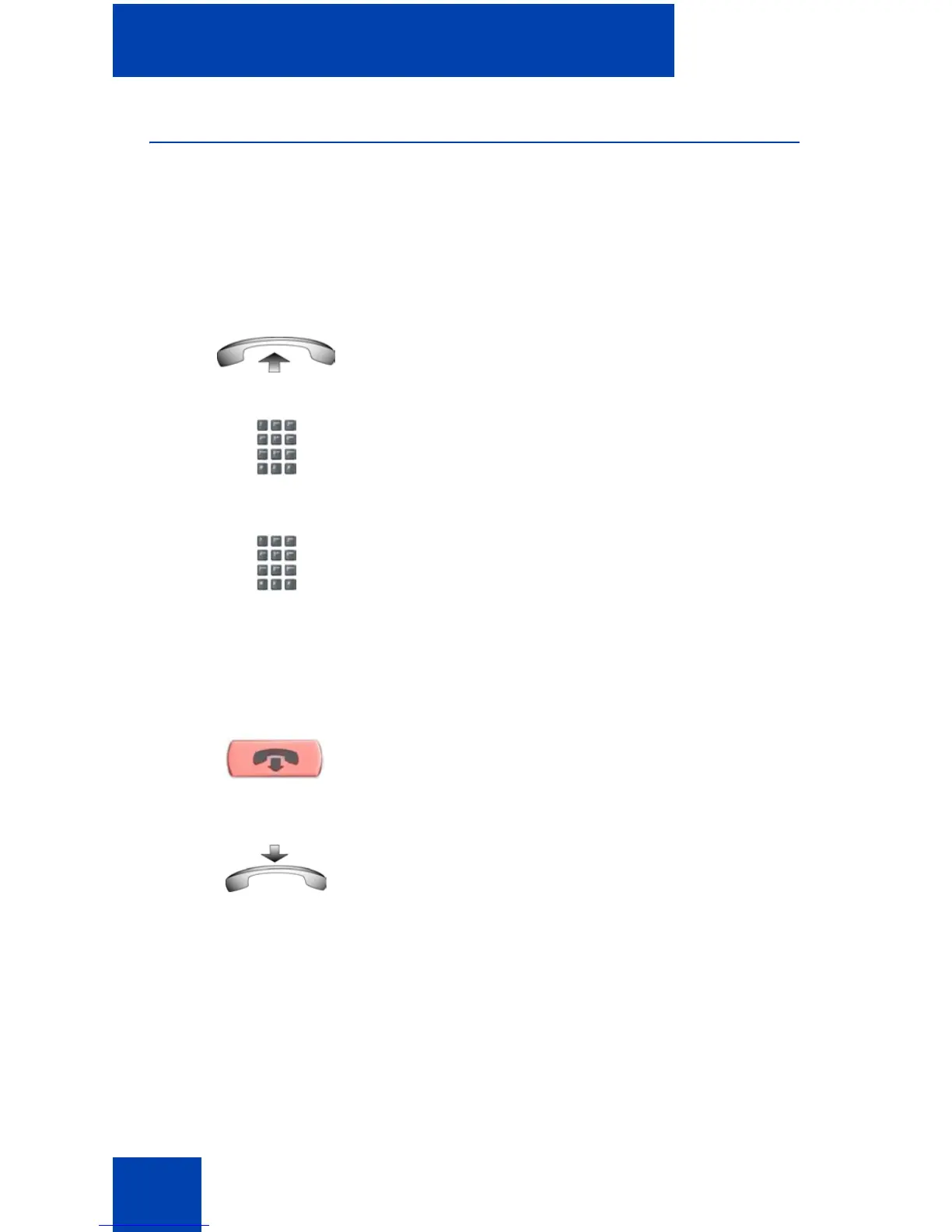
To use Automatic Preselection (Meet-me page):
1. Lift the handset.
2. Dial the Radio Paging Access FFC.
The paging tone sounds (two beeps
followed by a dial tone).
3. Dial the number of the party you want to
page. After dialing, the ringback tone
sounds.
Note: The paged person can use any
telephone to enter a Radio Paging
Answer FFC.
4. If your call goes unanswered for a preset
time period and a 15-second high-
pitched tone sounds followed by silence,
press the Goodbye key or replace the
handset.
(Goodbye)
or















 To Next Page