While on an active call
72
Recording a Calling Party Number
Use the Calling Party Number feature to record a caller’s number or to
charge a call to an account number during an established call.
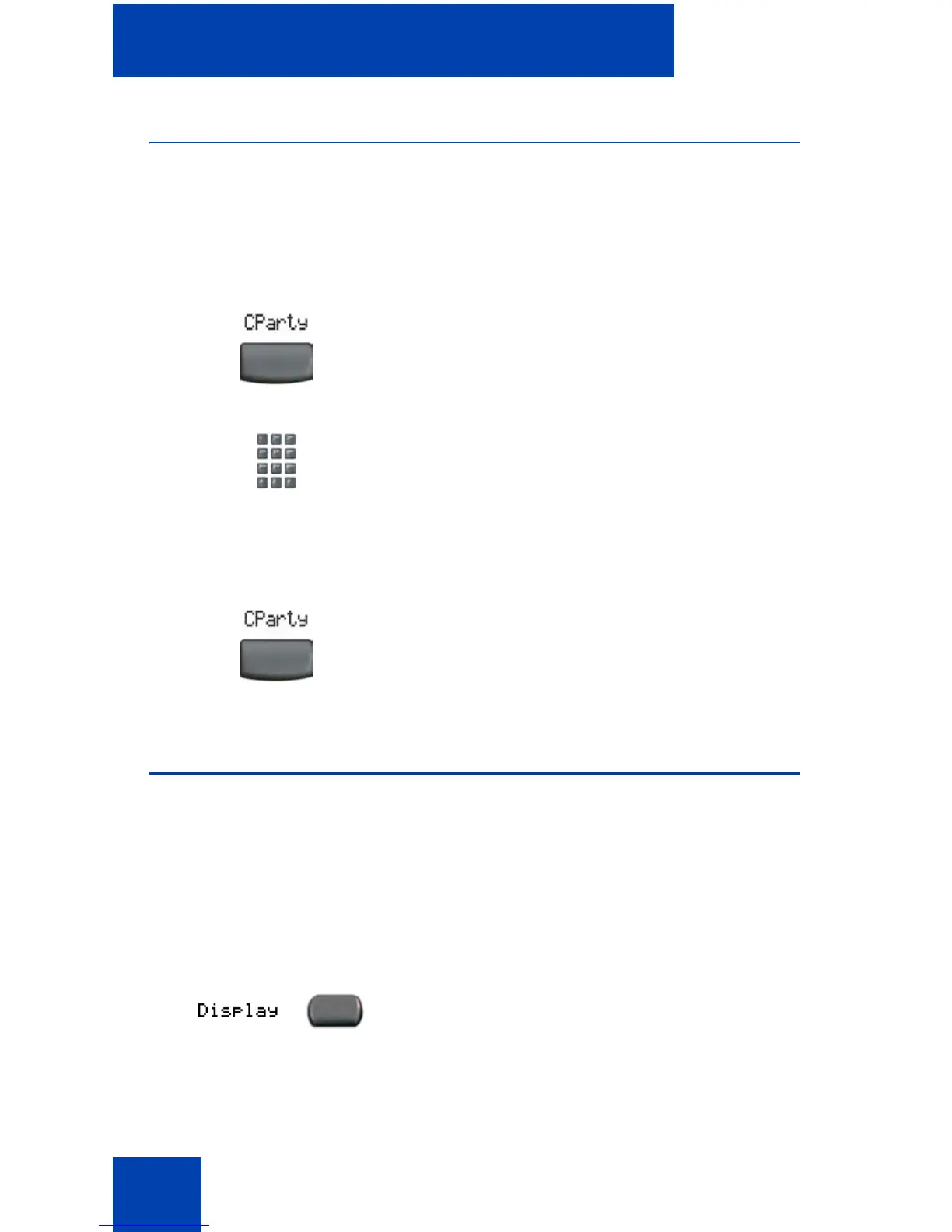
To record a caller’s number for accounting purposes:
Displaying incoming calls
Use the Display feature to display a second incoming caller’s number and
name (if available) during an active call, without interfering with the call in
progress.
To view the information about an incoming call while on a call in
progress:
1. Press the Call Party soft key. The caller
is placed on hold.
2. Dial a charge account number or the
caller’s number.
Note: For information about using the
Charge soft key, see “Charging a call or
charging a forced call” on page 95.
3. Press the Call Party soft key to return to
the call.
1. Press the Display key.















 To Next Page