Making a call
61
Using Speed Call
Use the Speed Call feature to place internal and external calls by dialing a
one-, two-, or three-digit code to store, edit, and automatically dial
frequently called telephone numbers.
To store a Speed Call number:
To make a Speed Call:
2. To redial without lifting the handset,
press the line (DN) key twice (the last
number dialed is automatically redialed).
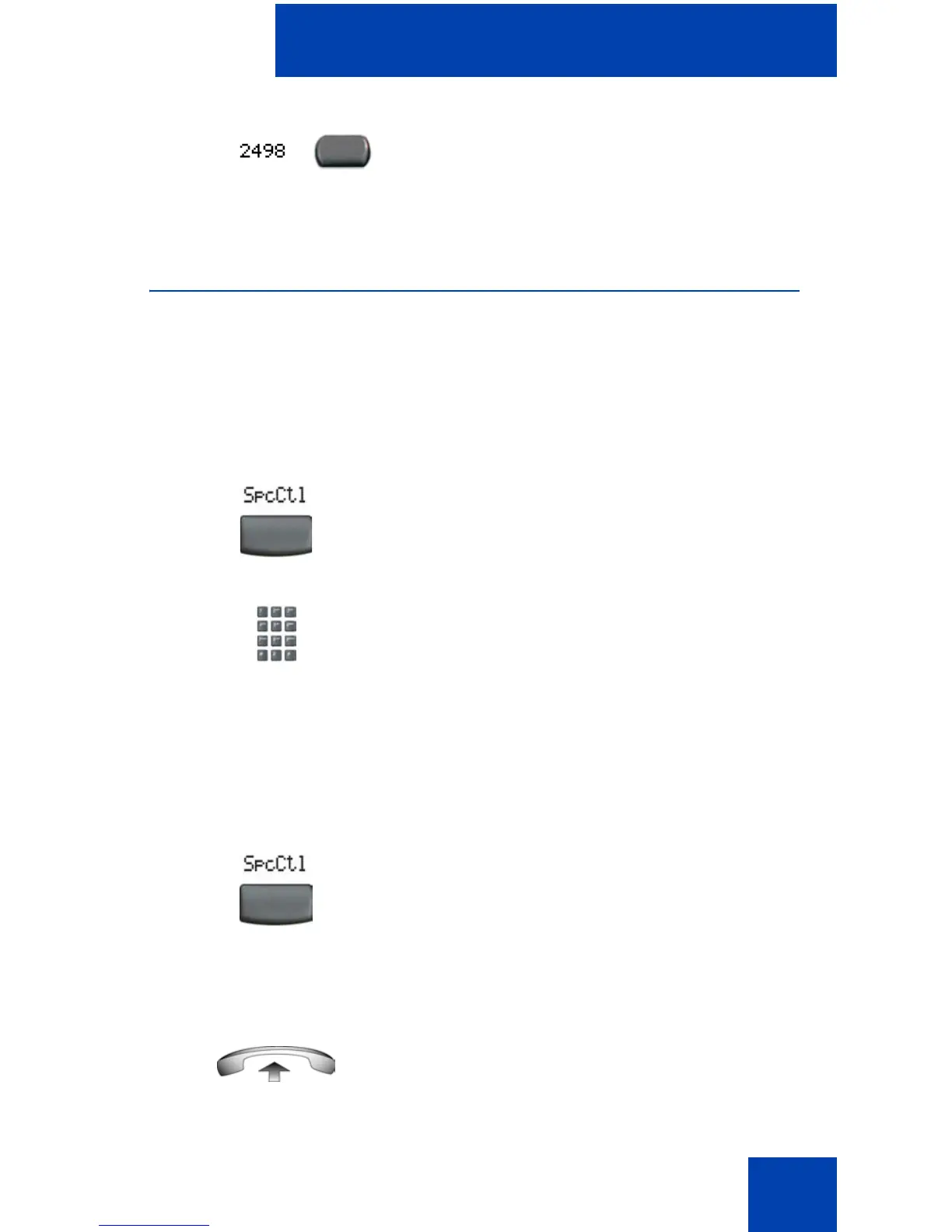
1. Press the Speed Call Controller soft
key. The triangular icon flashes,
indicating programming mode.
2. At the prompt:
— Enter a one-, two-, or three-digit
code (0-999).
— If required, dial the access code.
— Enter the telephone number
(internal, external, or long-distance
number).
3. Press the Speed Call Controller soft
key again to save the code and number.
The flashing icon turns off.
1. Lift the handset.















 To Next Page