Additional call features
104
Using Voice Call
Use the Voice Call feature to page another person or make an
announcement through someone else’s telephone speaker.
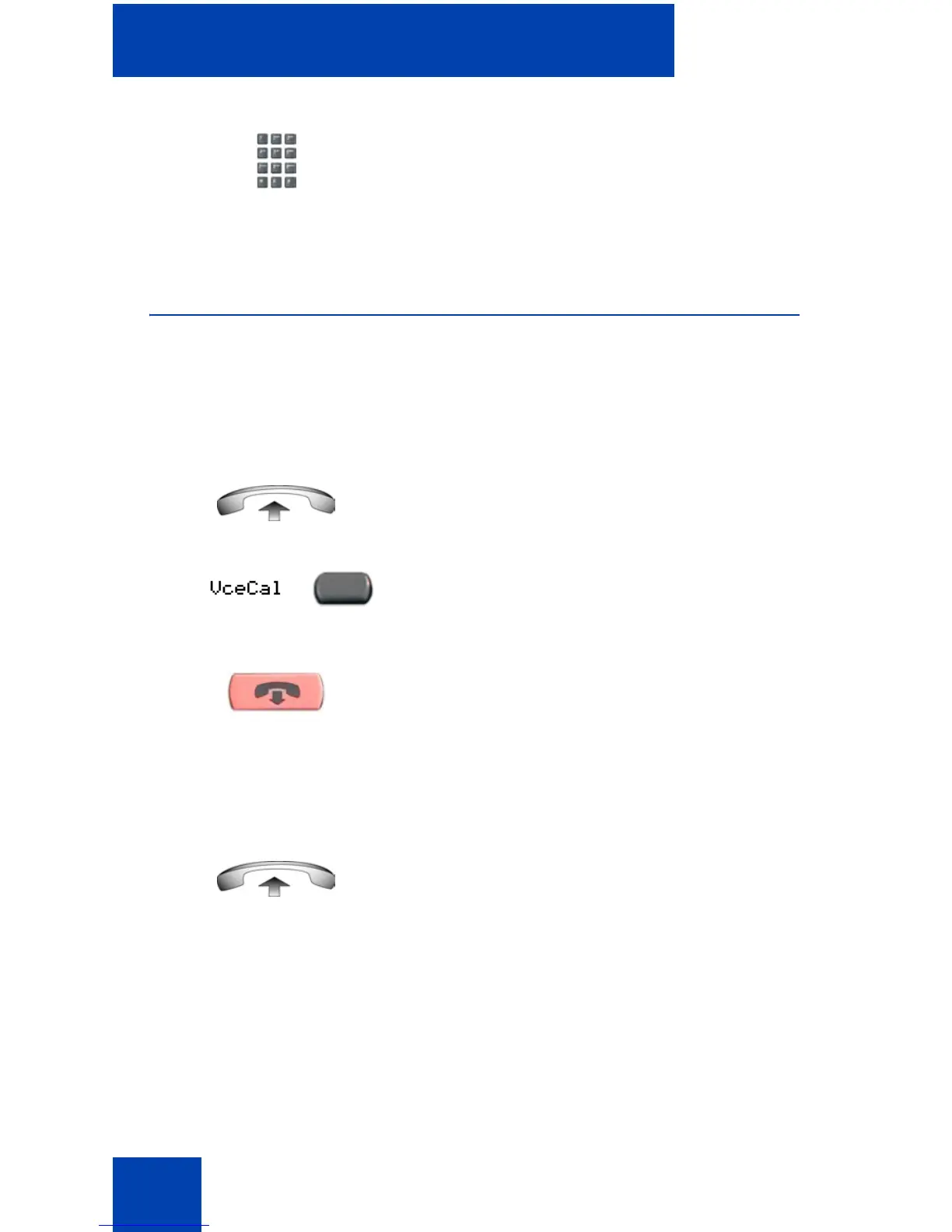
To make a voice call:
To respond to a voice call:
3. Dial your own DN to connect to the
paging caller. If the caller has hung up, a
steady high-pitched (Number
Unavailable) tone sounds.
1. Lift the handset.
2. Press the Voice Call key and make the
announcement.
3. Press the Goodbye key.
Your telephone rings once and the caller's
voice transmits through your speaker. Lift the
handset.
(Goodbye)















 To Next Page