Configuring options
37
Choosing a Ring type
The Ring type option configures the ring tone on the telephone. To
choose a ring type, press the Services key, select Telephone Options,
and select Ring type… from the menu.
To select a Ring type:
Changing feature key labels
The Change feature key labels option renames the label that appears
next to each feature key or restores the default labels to the keys
(collectively or individually). To rename feature key labels, press the
Services key, select Telephone Options, and select Change feature
key labels from the menu.
If the feature key label setting is password-protected, you must enter a
password (SCPW) to change the feature key label. If you enter an
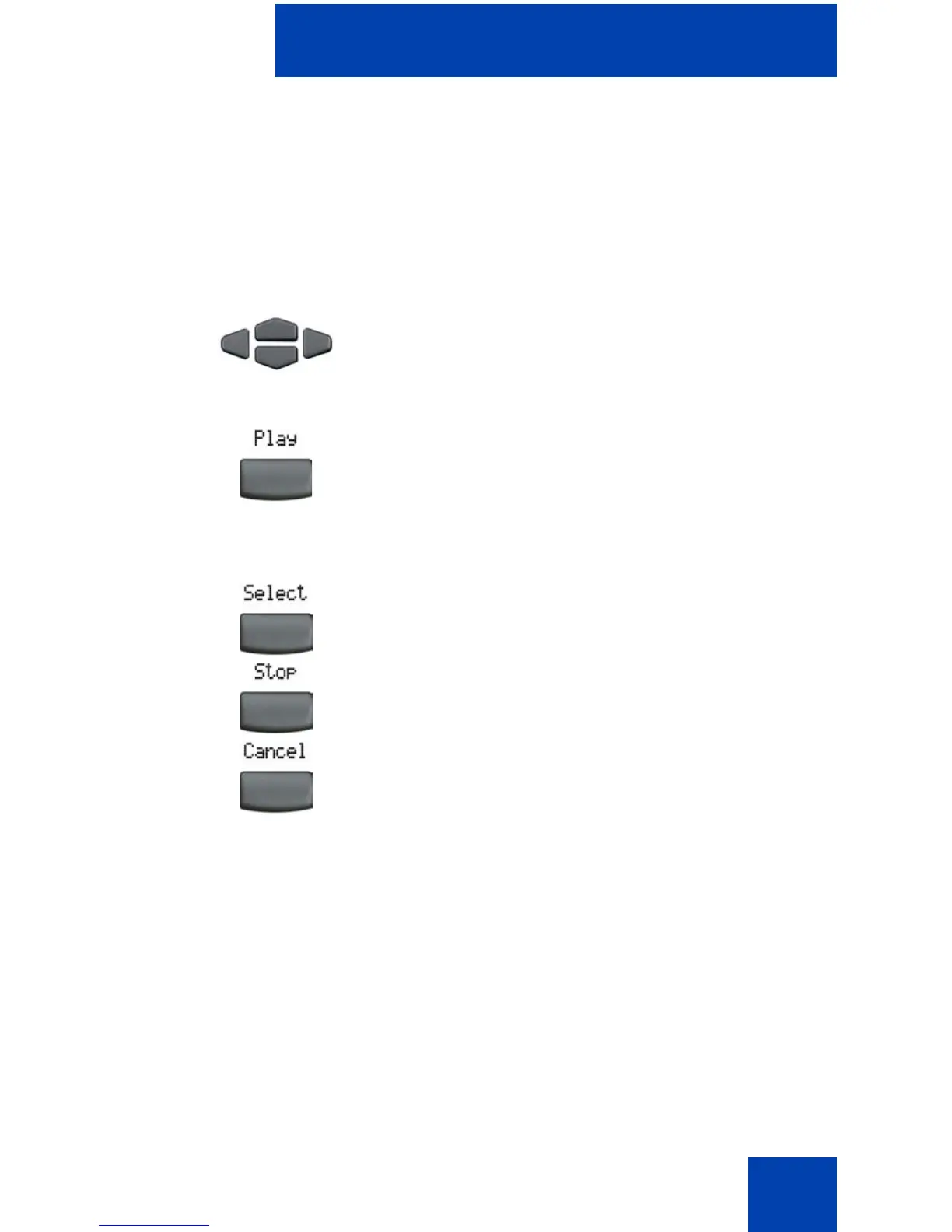
1. Press the Up/Down navigation keys to
scroll and to highlight one of the ring
types.
2. Press the Play soft key to sample the
ring tone.
3. Choose one of the following:
—Press the Select soft key to save the
ring type and return to the
Telephone Options menu.
— Press the Stop soft key and use the
Up/Down navigation keys to select a
different ring type.
— Press the Cancel soft key to keep
existing configurations.















 To Next Page