Configuring options
38
incorrect password, an error message is displayed. If you enter an
incorrect password more than three times, the password functionality is
locked. Contact your system administrator to unlock the password.
Note: If a feature key is configured as an Autodial key, the label does
not change if the Autodial key configuration changes.
To rename the labels:
Restore the default labels:
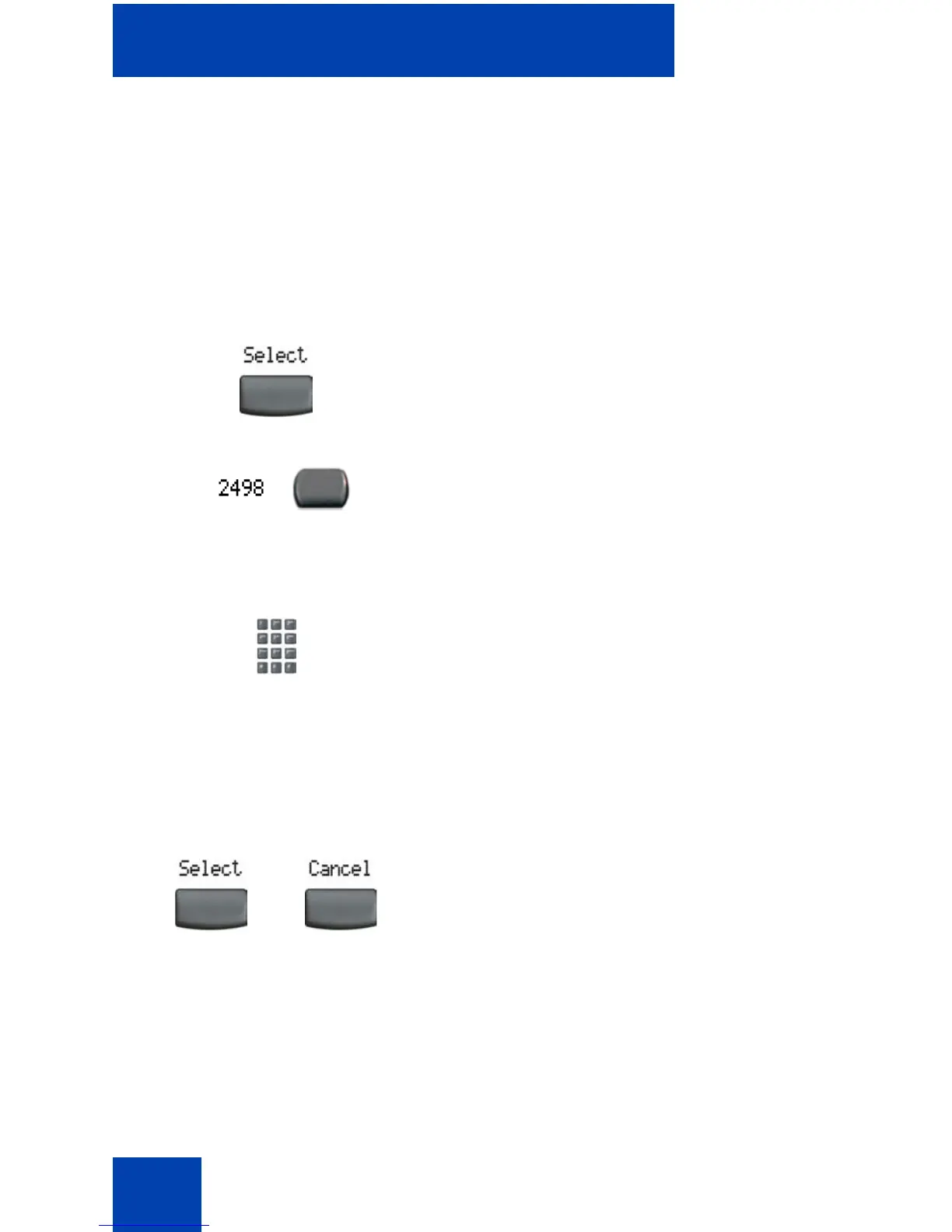
1. Press the Select soft key.
2. Press the feature key that is being
changed.
Note:
If you press a prime DN key, an
error message appears.
3. Enter the new information for the feature
key label. To enter special characters,
press the Up navigation key. For
information about entering text, see
“Entering text using the telephone
dialpad” on page 24.
4. Choose one of the following:
—Press the Select soft key to save the
changes and return to the
Telephone Options menu.
— Press the Cancel soft key to keep
existing configurations.
or















 To Next Page