Configuring options
42
— Press the Cancel soft key to keep existing configurations.
Configuring New Call indication
You can configure the IP Phone 2004 to display a message to indicate a
new incoming call was received. The default configuration is On. To
configure new call indication, press the Services key, select Telephone
Options, and select Call Log Option from the menu.
To configure New Call indication:
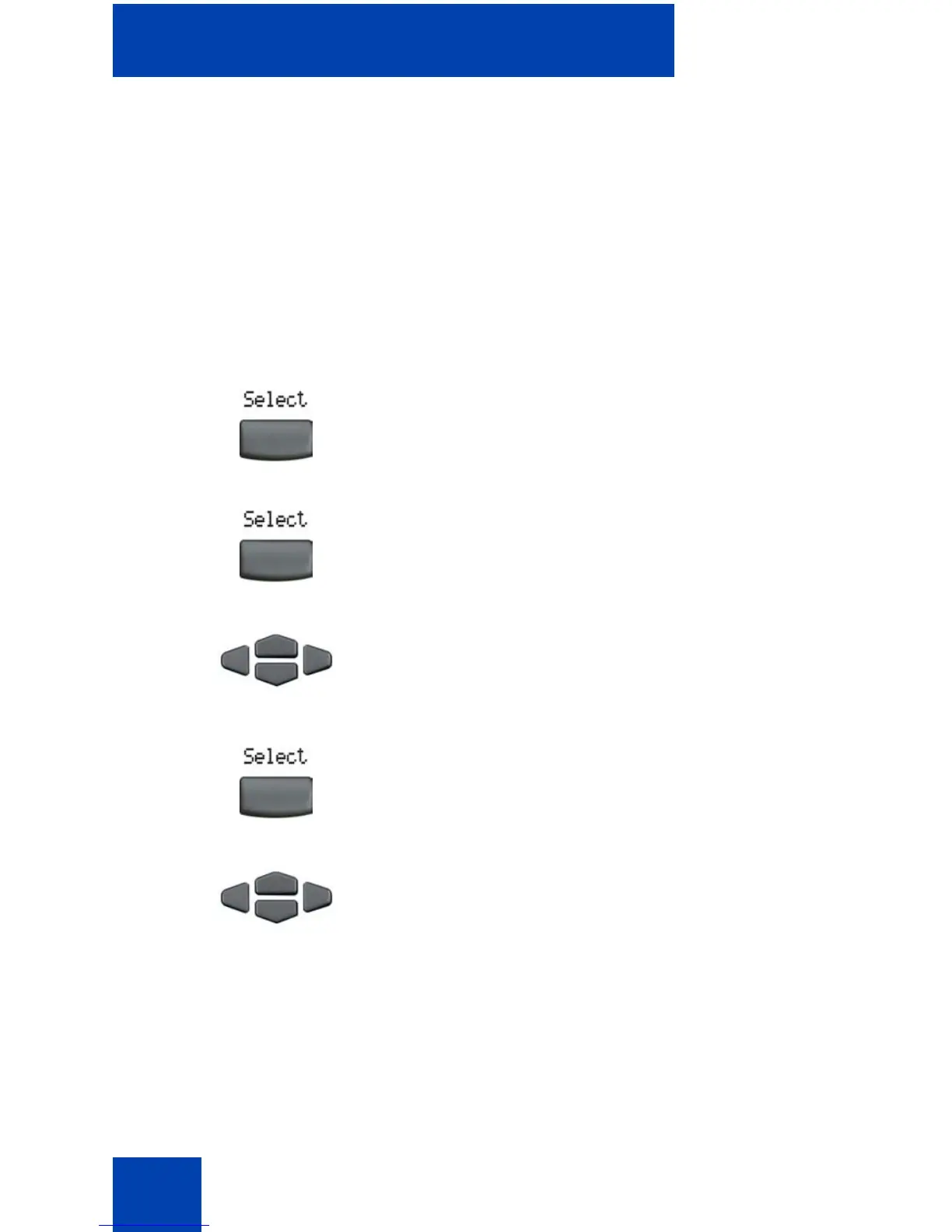
1. Press the Select soft key to select
Incoming Calls.
2. Press the Select soft key.
3. Press the Up/Down navigation keys to
scroll and to highlight New Call
Indication.
4. Press the Select soft key.
5. Press the Up/Down navigation keys to
scroll and highlight one of the following:
— New call indication off
— New call indication on















 To Next Page