Configuring options
41
To log only unanswered calls, press the Services soft key, select
Telephone Options, and select Call Log Option from the menu.To log
only unanswered calls:
To log all incoming calls including calls while IP Phone is busy
To log all incoming calls including calls while your IP Phone is busy, press
the Services key and select Call Log Options from the Telephone
Options menu.
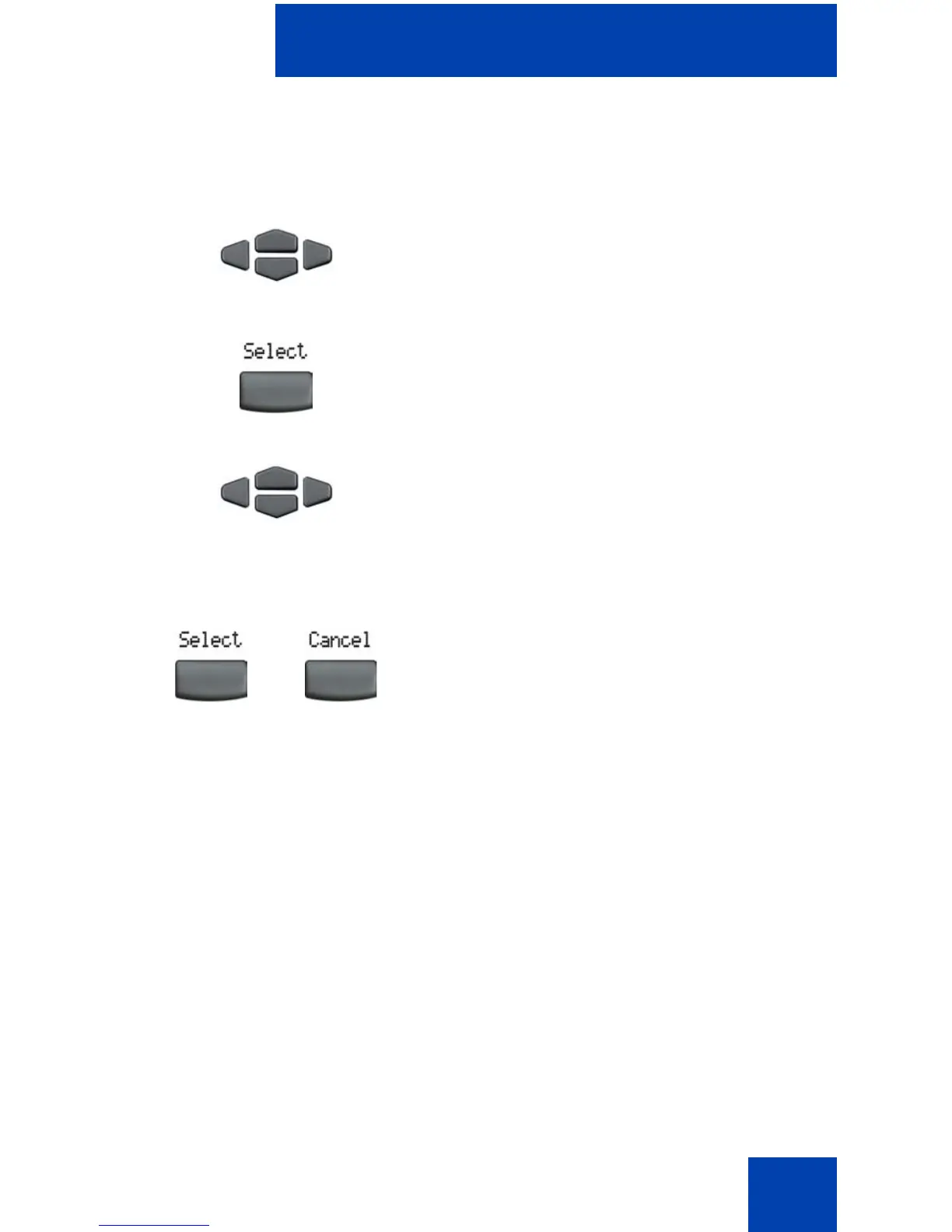
• Press the Up/Down navigation keys to scroll and highlight the
Incoming Calls option.
• Press the Select soft key.
• Press the Up/Down navigation keys to scroll and highlight Log calls
if busy.
• Choose one of the following
— Press the Select soft key to save the configuration.
1. Press the Up/Down navigation keys to
scroll and to highlight the Log Mode
option.
2. Press the Select soft key.
3. Press the Up/Down navigation keys to
scroll and to highlight Log unanswered
calls.
4. Choose one of the following:
—Press the Select soft key to save the
configuration.
— Press the Cancel soft key to keep
existing configurations.
or















 To Next Page