While away from your desk
82
Securing your telephone
Use the Electronic Lock feature to prevent others from making calls from
your telephone. The Electronic Lock feature is controlled using your
SCPW. To change your SCPW, see “Security features” on page 20.
To lock your telephone:
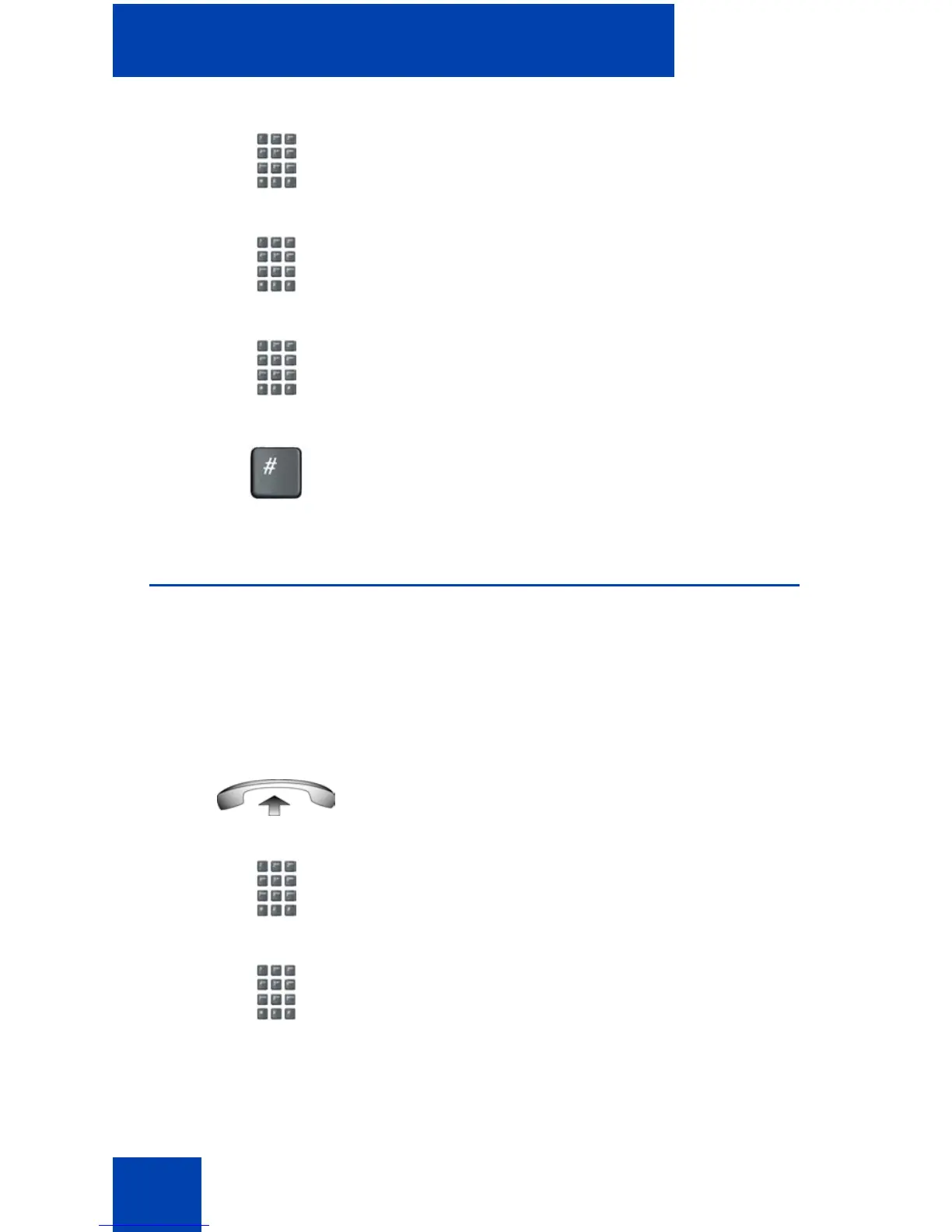
3. Dial the Remote Call Forward
Deactivate FFC.
4. Dial your Station Control Password.
5. After hearing the dial tone, dial your DN.
6. Press the # key.
1. Lift the handset.
2. Dial the Electronic Lock Activate FFC.
3. Dial your Station Control Password.















 To Next Page