Configuring options
36
To select Display Diagnostics:
Choosing Local Dialpad Tone
The Local Dialpad Tone option produces dual-tone multifrequency
(DTMF) sounds, a single tone, or no sound after you press a key on the
dialpad. To choose a Local Dialpad Tone, press the Services key, select
Telephone Options, and select Local DialPad Tone from the menu.
To choose a Local Dialpad Tone:
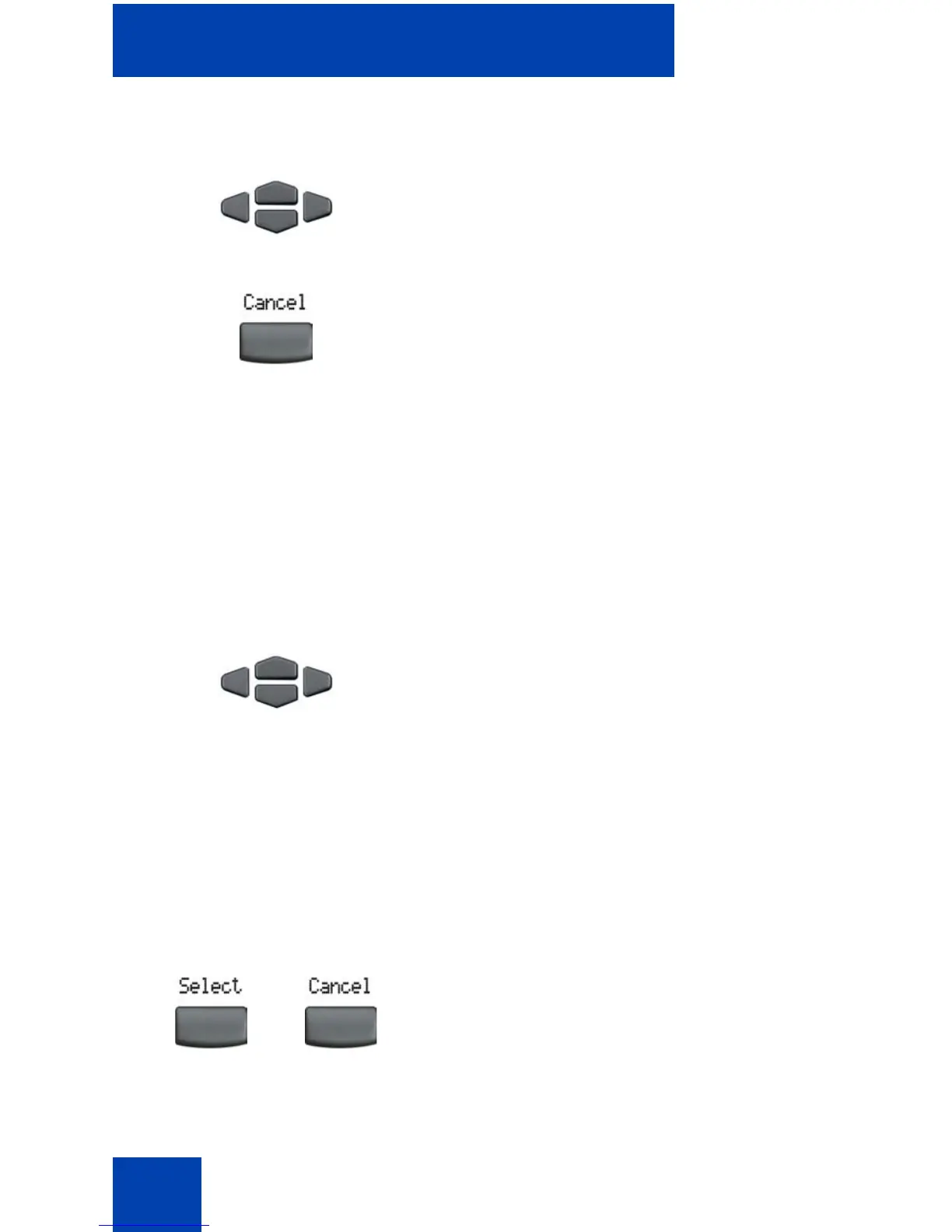
1. Press the Up/Down navigation keys to
scroll through the list to view display
capabilities.
2. Press the Cancel soft key to return to
the Telephone Options menu.
1. Press the Up/Down navigation keys to
scroll and to highlight one of the
following dialpad tones:
— None to disable all tones.
— Short Click to enable a single tone
for all keys.
— DTMF to turn on a separate DTMF
tone for each key.
2. Choose one of the following:
—Press the Select soft key to save the
tone selection and return to the
Telephone Options menu.
— Press the Cancel soft key to keep
existing configurations.
or















 To Next Page