Incoming calls
76
Using Call Waiting
The Call Waiting feature alerts you to an incoming call by producing a
tone. It also puts the current call on hold while you answer the new call.
To answer an incoming call while on another call:
or
2. Choose one of the following:
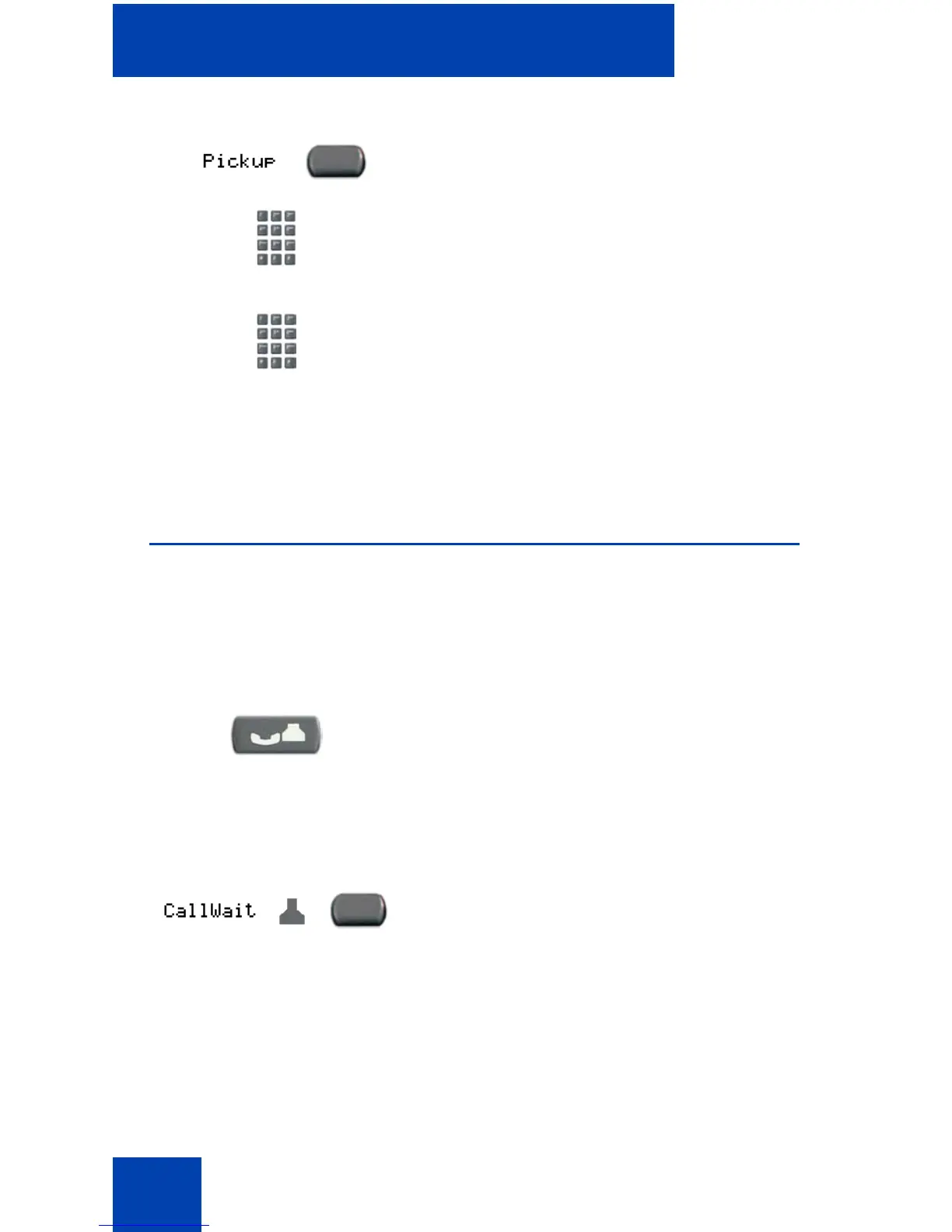
— Press the DN Pickup key.
— Enter the Pickup Directory
Number FFC.
3. Dial the DN of the telephone that is
ringing (in your call pickup group). If the
pickup DN or group number is invalid (an
overflow burst tone sounds and the
screen displays Release and try again),
press the Goodbye key.
1. When the incoming call tone sounds,
press the Hold key to put a current call
on hold.
Note: If Automatic Hold is enabled, it is
not necessary to press the Hold key.
2. Press the Call Waiting key.
(Hold)















 To Next Page