Working without interruption
90
Working without interruption
This section describes the Activating Make Set Busy feature, which
provides uninterrupted work time.
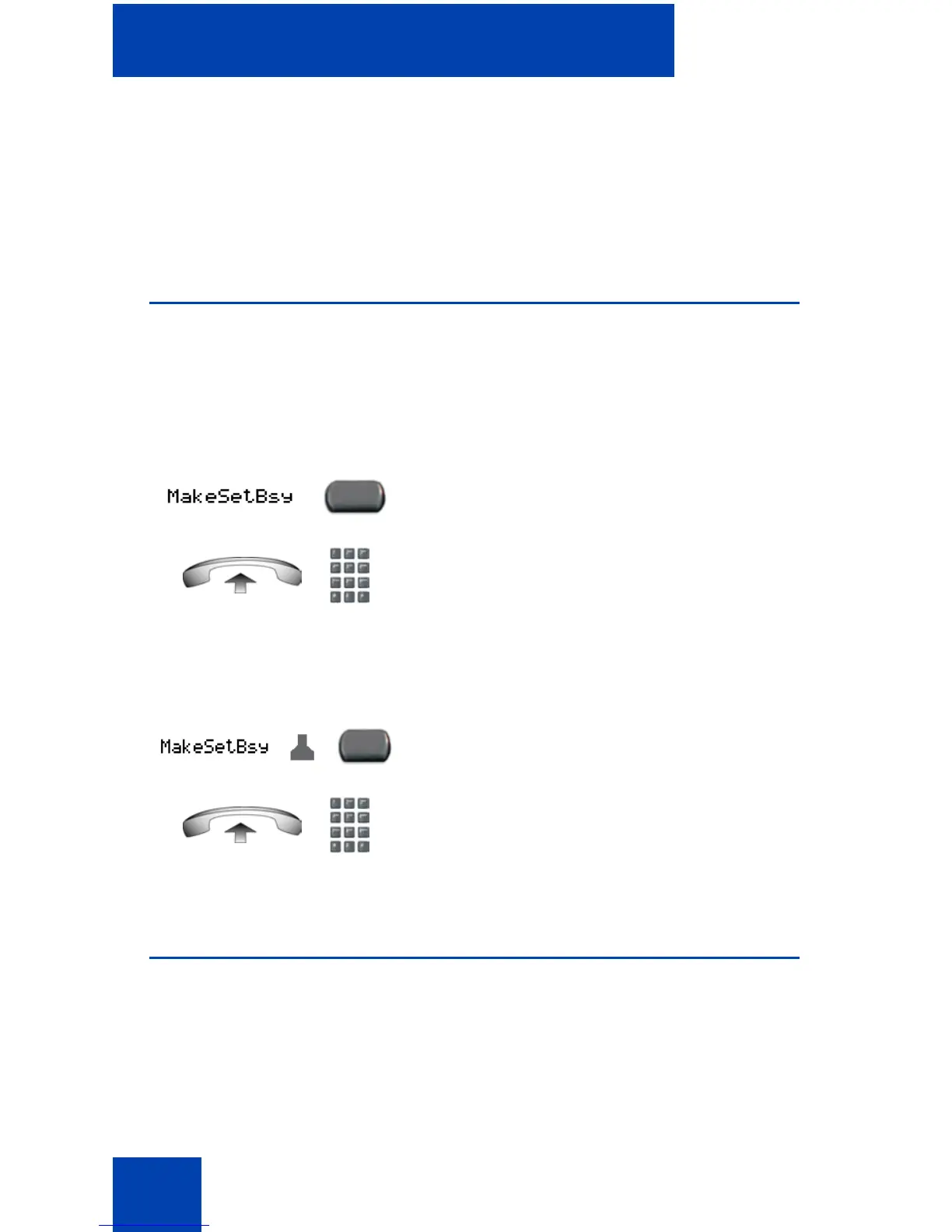
Using Make Set Busy
Use the Make Set Busy feature to make your telephone appear busy to all
callers.
To activate Make Set Busy:
To deactivate Make Set Busy:
Call Deflect
If Call Deflect is configured on your IP Phone, you can press the Deflect
feature key to deflect your call if your IP Phone rings and you do not want
to answer the call. The call may be forwarded to your voice mail or to
another telephone number, depending on your system configuration.
or
Choose one of the following:
• Press the Make Set Busy key.
• Lift the handset and enter the Make Set
Busy Activate FFC.
or
Choose one of the following:
• Press the Make Set Busy key a second
time to deactivate the feature.
• Lift the handset and enter the Make Set
Busy Deactivate FFC.















 To Next Page