Configuring options
35
Enabling and disabling Call timer
The Call timer measures how long you are on each call. To enable or
disable the Call timer feature, press the Services key, select Telephone
Options, and select Call Timer from the menu.
To enable or disable the Call timer:
Using Display Diagnostics
The Display Diagnostics option tests the display screen and indicator
lights on the telephone. To access the Display Diagnostics feature, press
the Services key, select Telephone Options, and select Display
Diagnostics from the menu.
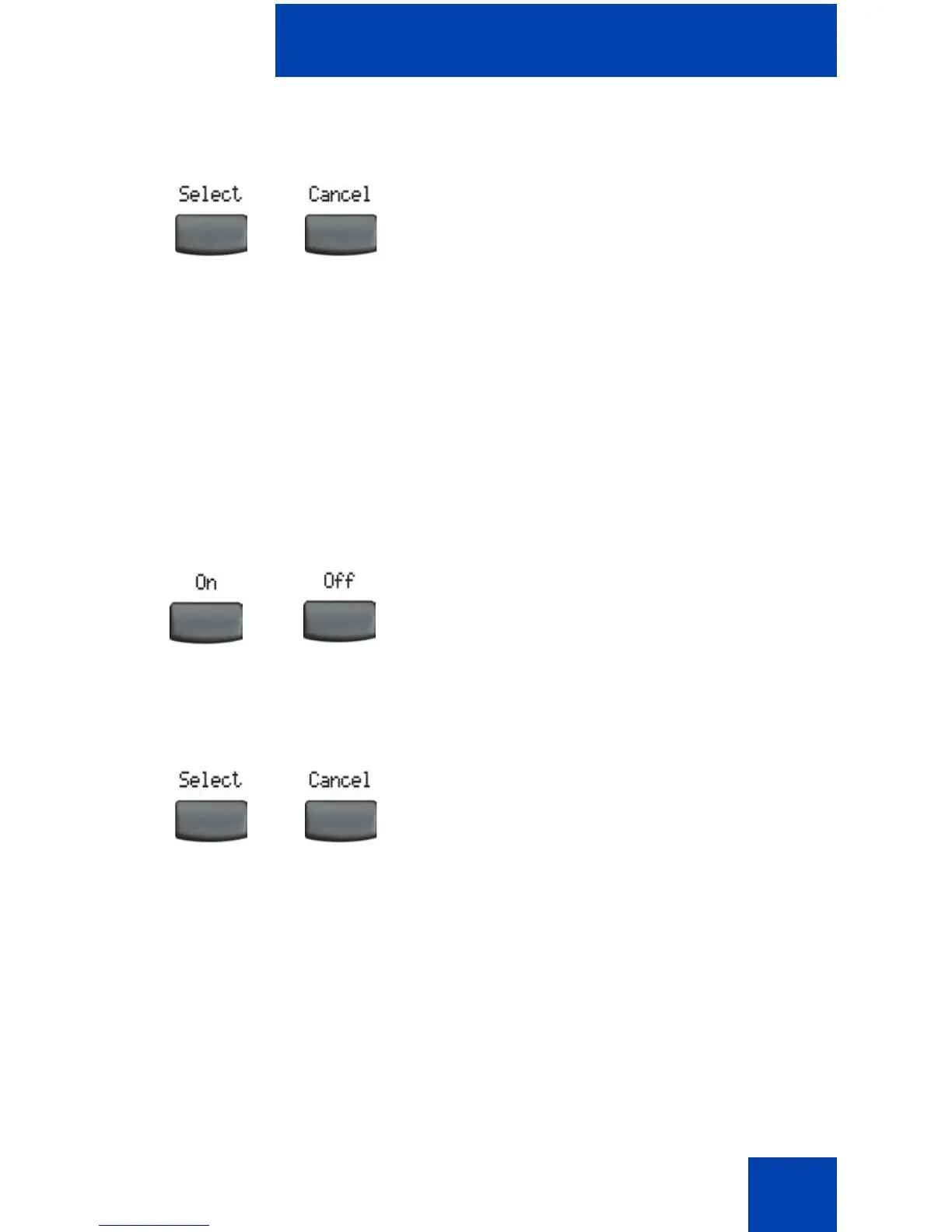
2. Choose one of the following:
—Press the Select soft key to save the
configuration.
— Press the Cancel soft key to keep
existing configurations.
1. Choose one of the following:
— To enable the call timer, press the
On soft key.
— To disable the call timer, press the
Off soft key.
2. Choose one of the following:
—Press the Select soft key to save the
configuration and return to the
Telephone Options menu.
— Press the Cancel soft key to keep
existing configurations.
or
or
or















 To Next Page