While away from your desk
78
While away from your desk
You can use the following features when you are away from your desk:
• “Using Call Forward” on page 78
• “Using Internal Call Forward” on page 79
• “Using Remote Call Forward” on page 80
• “Securing your telephone” on page 82
Using Call Forward
Use the Call Forward feature to direct incoming calls to ring on another
line (DN). If the telephone is in the process of ringing, the call cannot be
forwarded.
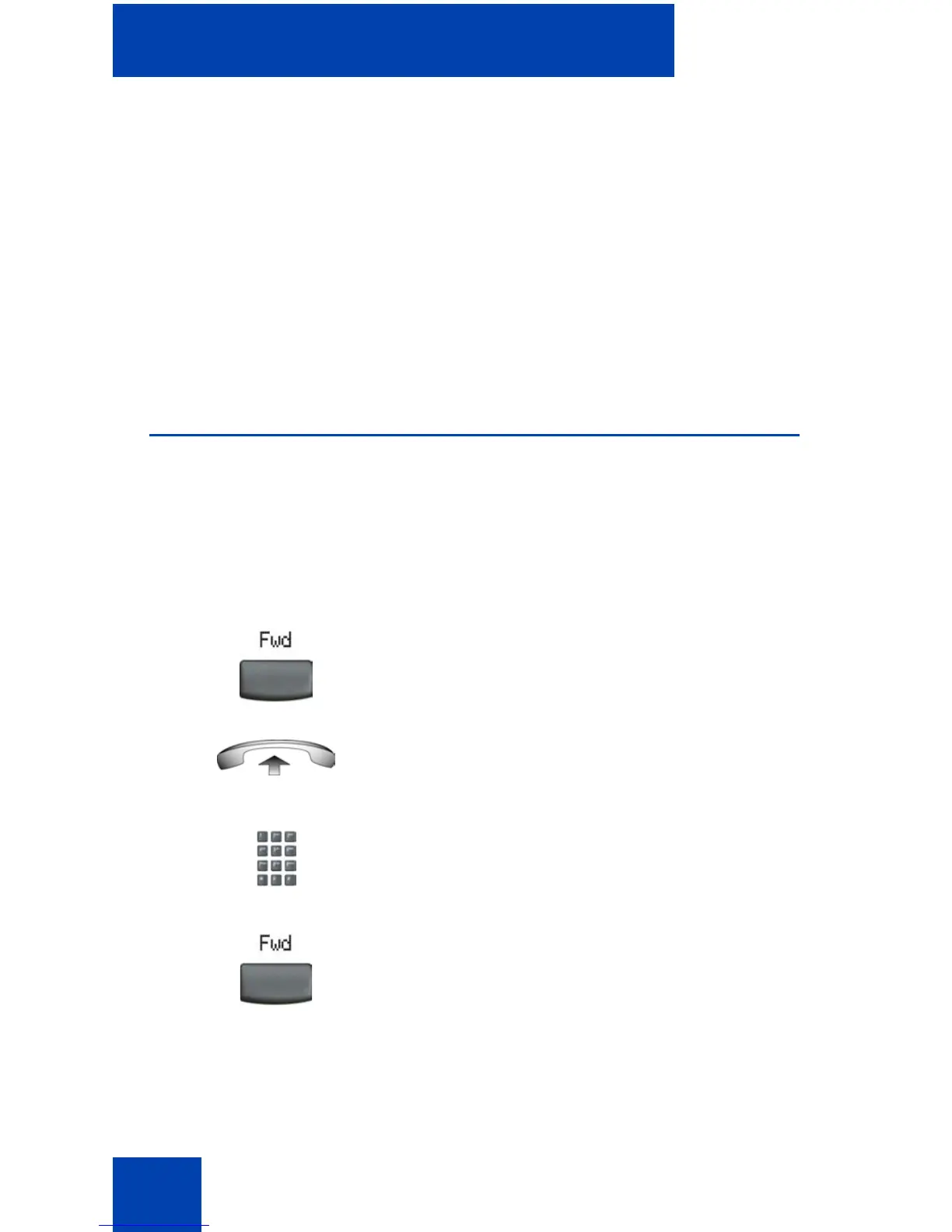
To forward your calls or change the forward number:
1. Choose one of the following:
— Press the Forward soft key.
— Lift the handset and enter the Call
Forward All Calls Activate FFC.
2. Dial the DN where you want to forward
your calls.
3. Press the Forward soft key.















 To Next Page