Making a call
52
Using Live Dialpad
Use Live Dialpad to dial the number without having to lift the handset,
press the Handsfree key, or press the line (DN) key.
Using the Directory applications
You can make calls using the following Directory applications available on
your IP Phone 2004.
• “Making a call using Corporate Directory” on page 52
• “Making a call using Personal Directory” on page 54
• “Making a call using the Callers List” on page 54
• “Making a call using Redial List” on page 56
Making a call using Corporate Directory
The Corporate Directory feature provides an alphabetical list of entries
using last names. You can search by name, view additional information
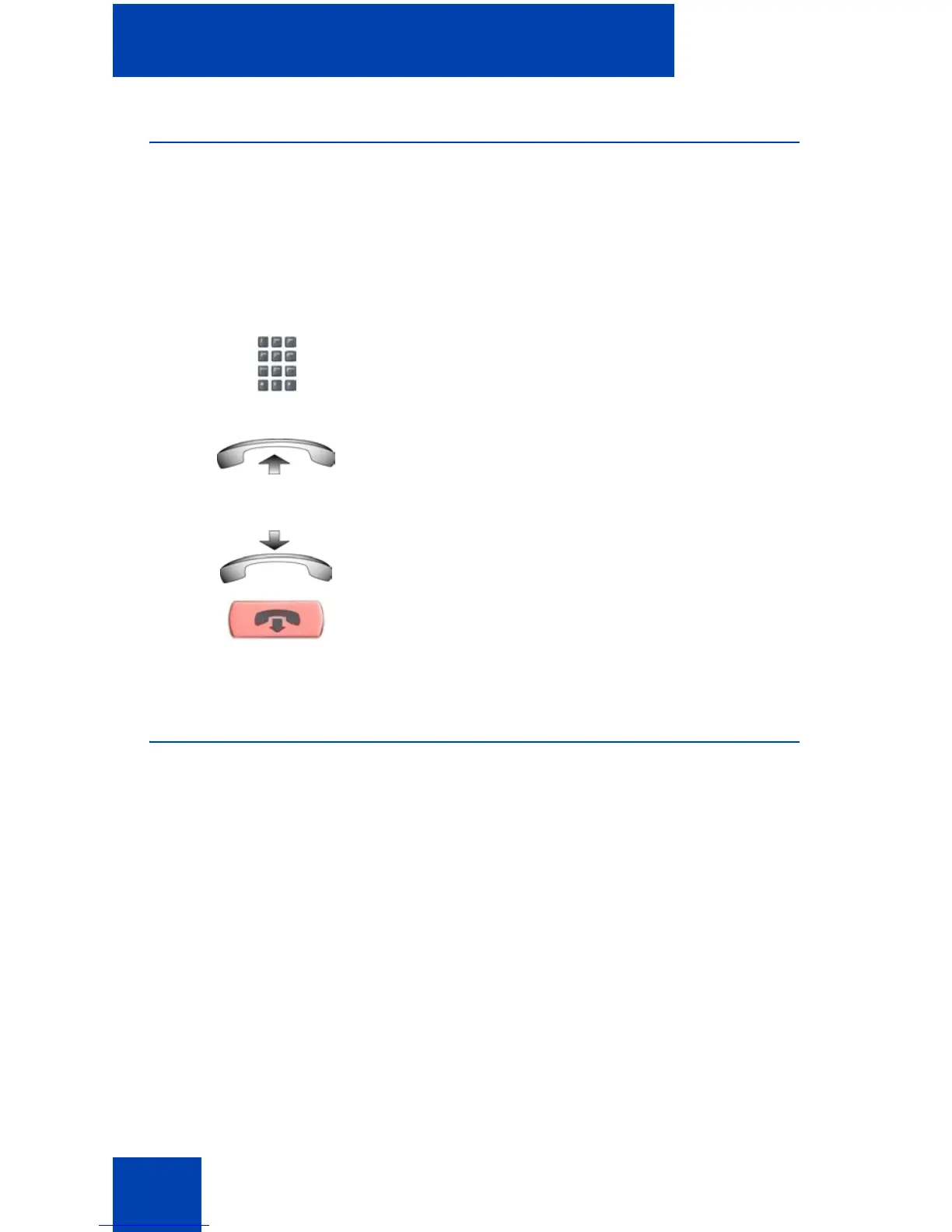
1. Leave the handset in the cradle.
2. Dial the number.
3. After the called party answers, lift the
handset.
4. To terminate the call, choose one of the
following:
— Replace the handset into the cradle.
— Press the Goodbye key.















 To Next Page