Making a call
53
on each entry, and dial Corporate Directory numbers. To use Corporate
Directory, press the Directory key and select Corporate Directory.
To search for a specific number:
To scroll to a specific number:
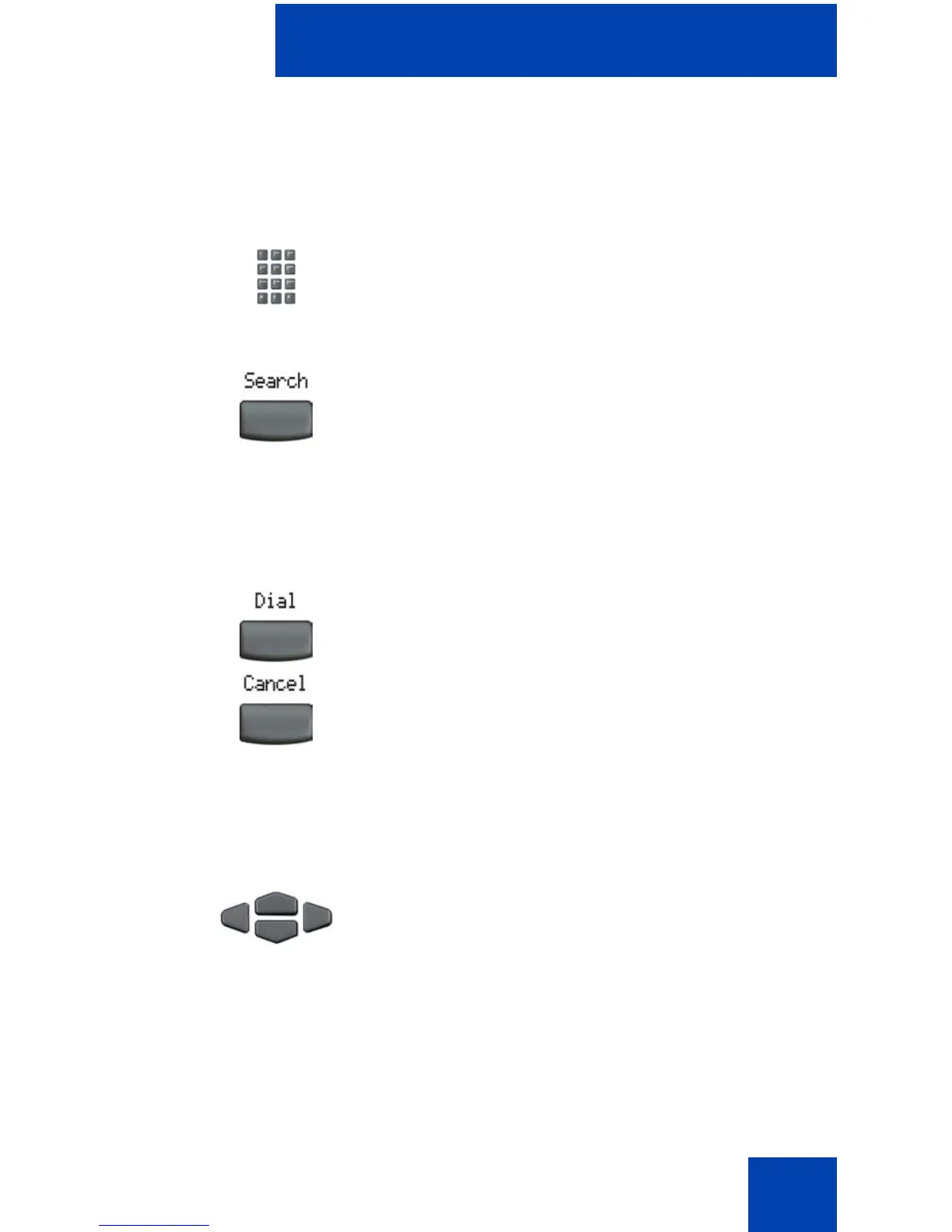
1. When prompted, use the dialpad to enter
the desired name in the lastname/
firstname format.
2. Press the Search soft key to find the
desired name.
Note: The first match on the screen
appears when there is a successful
search.
3. Choose one of the following:
— Press the Dial soft key to dial the
resulting number.
— If there is no match to the search
query, start a new search or change
the information in the initial search.
— Press the Cancel soft key to exit
without dialing.
1. Press the Up/Down navigation keys to
scroll and to highlight a name in the
Corporate Directory.















 To Next Page