Making a call
56
Making a call using Redial List
The Redial List feature automatically stores a maximum of 20 previously
dialed telephone numbers. To use Redial List, press the Directory key
and select Redial List. For information about how to configure and use
Redial list, see “Using Redial List” on page 110.
Note: If the caller name is not defined, then only the telephone
number is displayed.
To use the Redial List:
Using Predial
Use the Predial feature to enter, preview, and edit numbers before
dialing.
To use Predial:
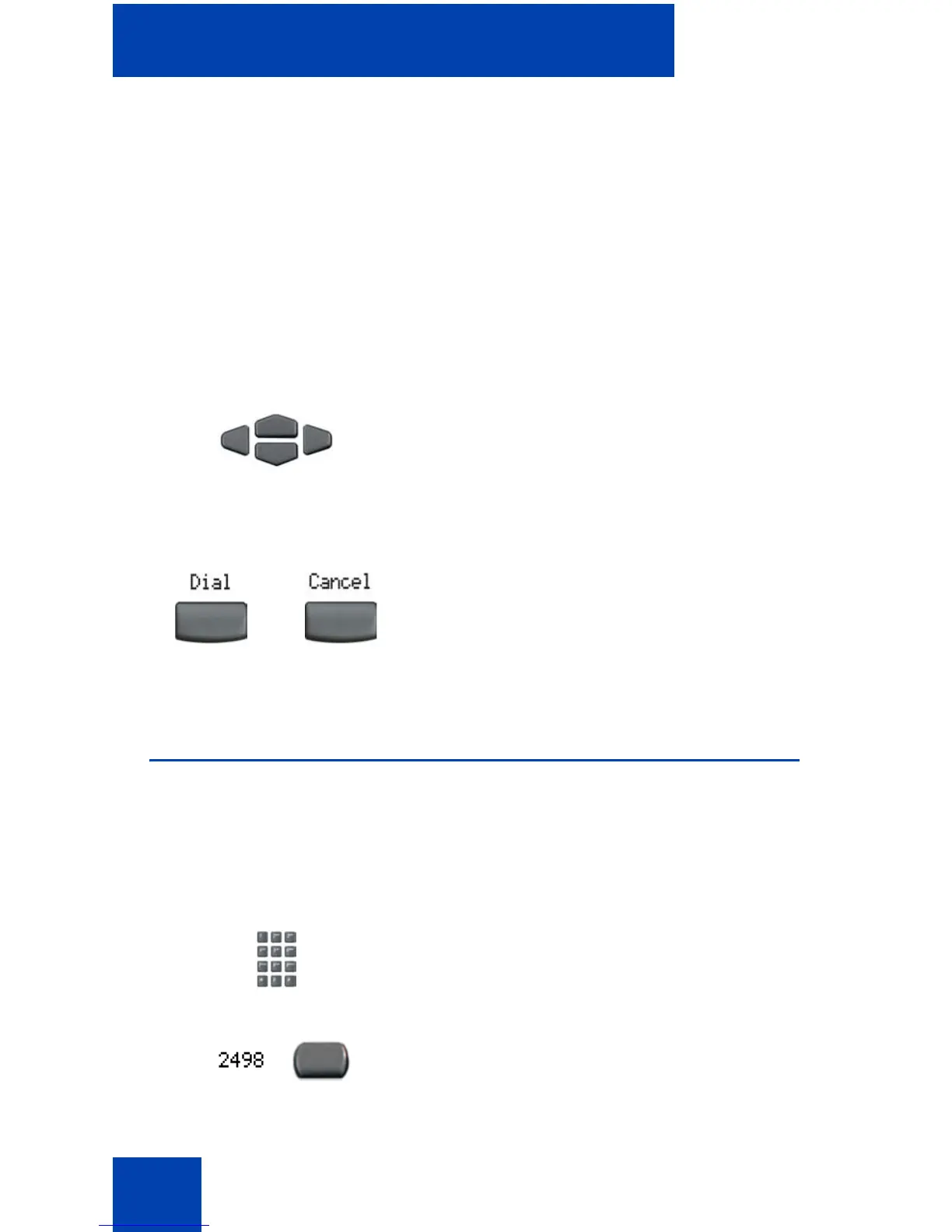
1. Press the Up/Down navigation keys to
scroll and to highlight a name in the
Redial List.
2. Choose one of the following:
— Press the Dial soft key to dial the
resulting number.
— Press the Cancel soft key to exit
without dialing.
1. Without selecting the line key, enter the
number to be dialed.
2. Press a line key to dial the number.
or















 To Next Page