Making a call
57
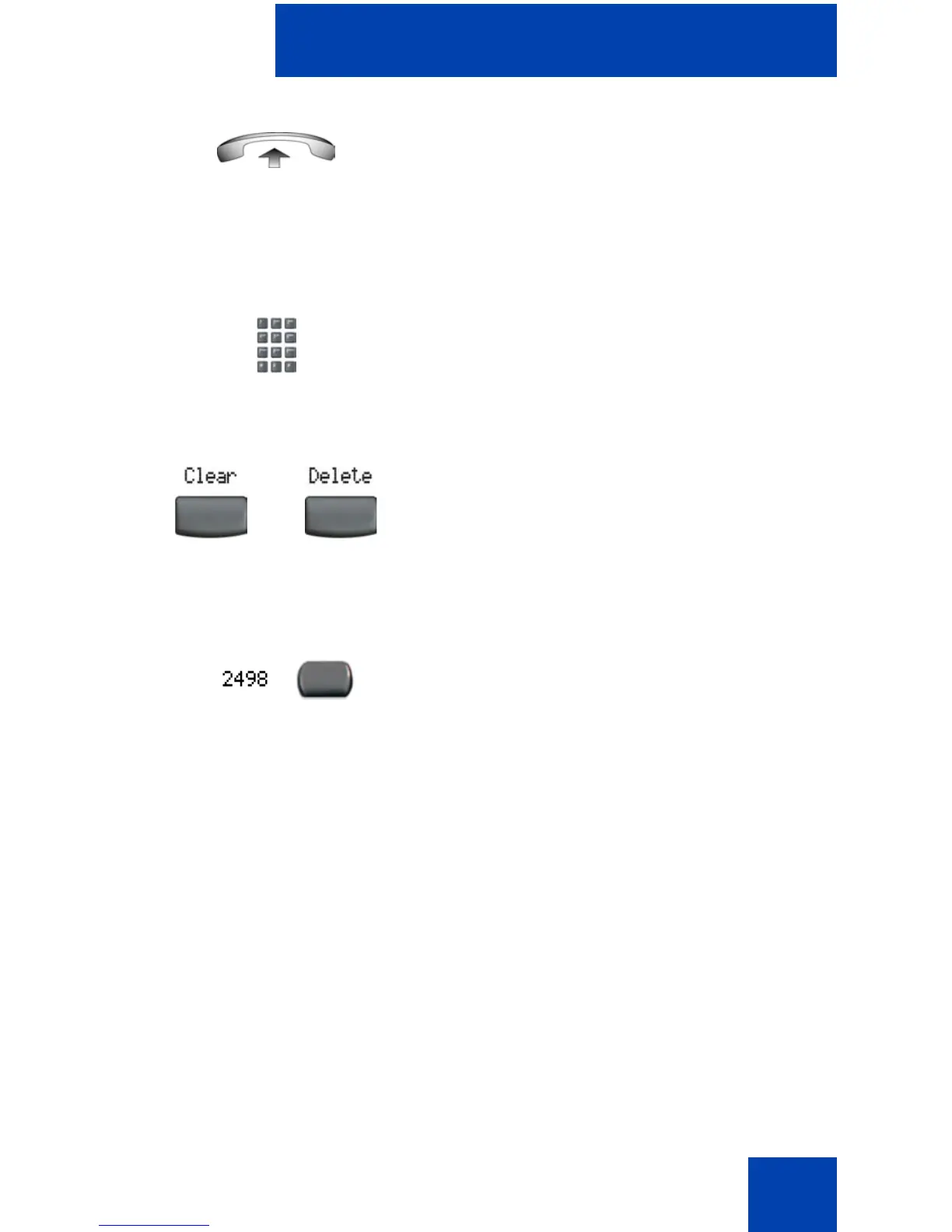
To edit a Predial number:
3. Lift the Handset after the called party
answers or, if in Handsfree mode, begin
to speak.
1. Use the dialpad to enter the number.
2. Choose one of the following:
— To erase all numbers, press the
Clear soft key. Reenter the numbers
to be dialed.
— To change numbers one at a time,
press the Delete soft key to
backspace. Reenter the number.
3. Press a line key to dial the number.
or















 To Next Page