Making a call
59
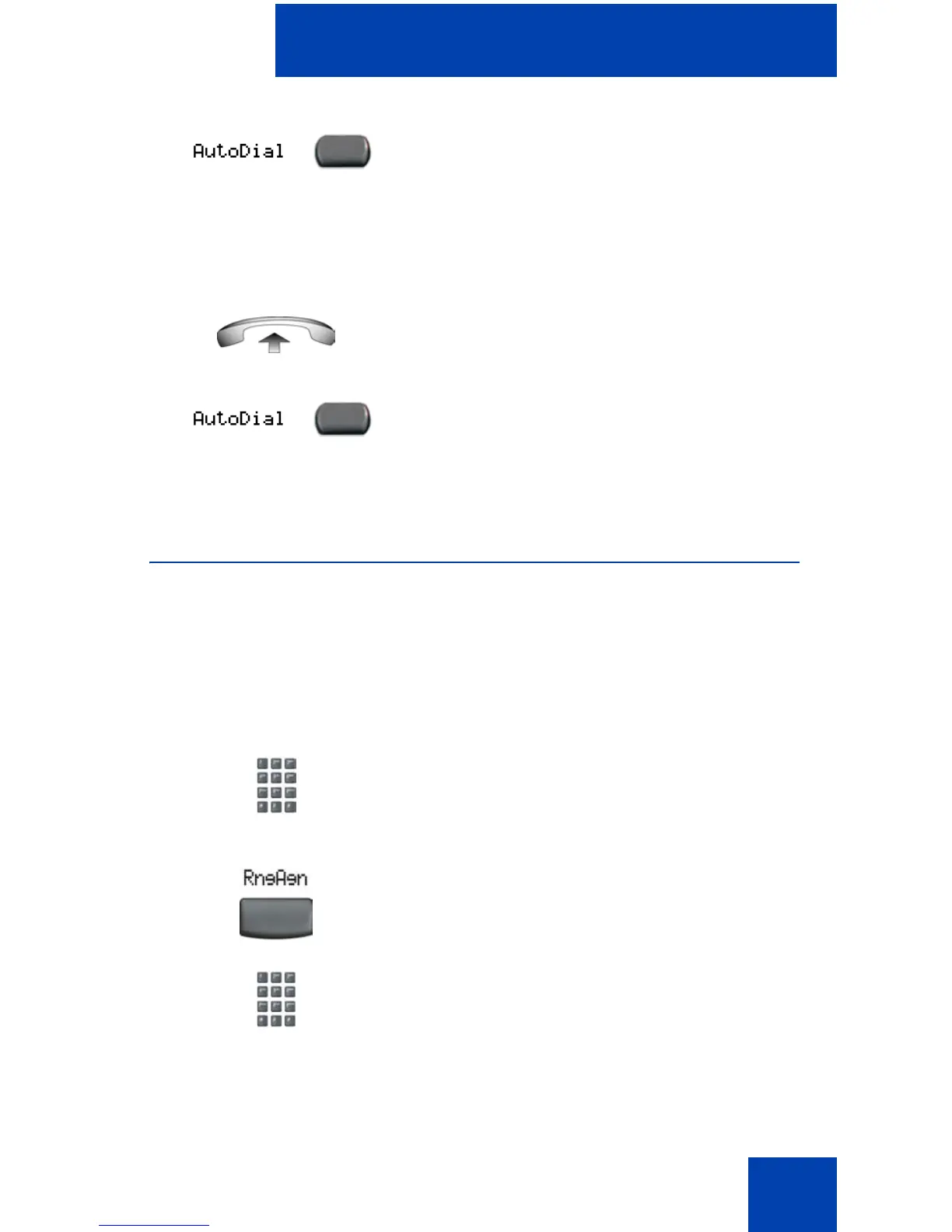
To use AutoDial:
Using Ring Again
Use the Ring Again feature if you receive a busy tone or if there is no
answer. Your IP Phone rings after the person you called becomes
available. Ring Again automatically redials the number.
To activate Ring Again:
2. Press an AutoDial key in the upper
display area to display the number
associated with that key.
1. Lift the handset.
2. Press an AutoDial key in the upper
display area to dial the number
associated with that key.
1. Dial a number and receive a busy tone
or no answer.
2. Choose one of the following:
—Press the Ring Again soft key.
— Enter the RingAgain Activate FFC.
or















 To Next Page