Additional call features
94
Using Centrex/Exchange Line Switchhook
Flash
Use the Centrex/Exchange Line Switchhook Flash feature during an
established call to use a Centrex service, such as Call Transfer or Three-
Way Calling.
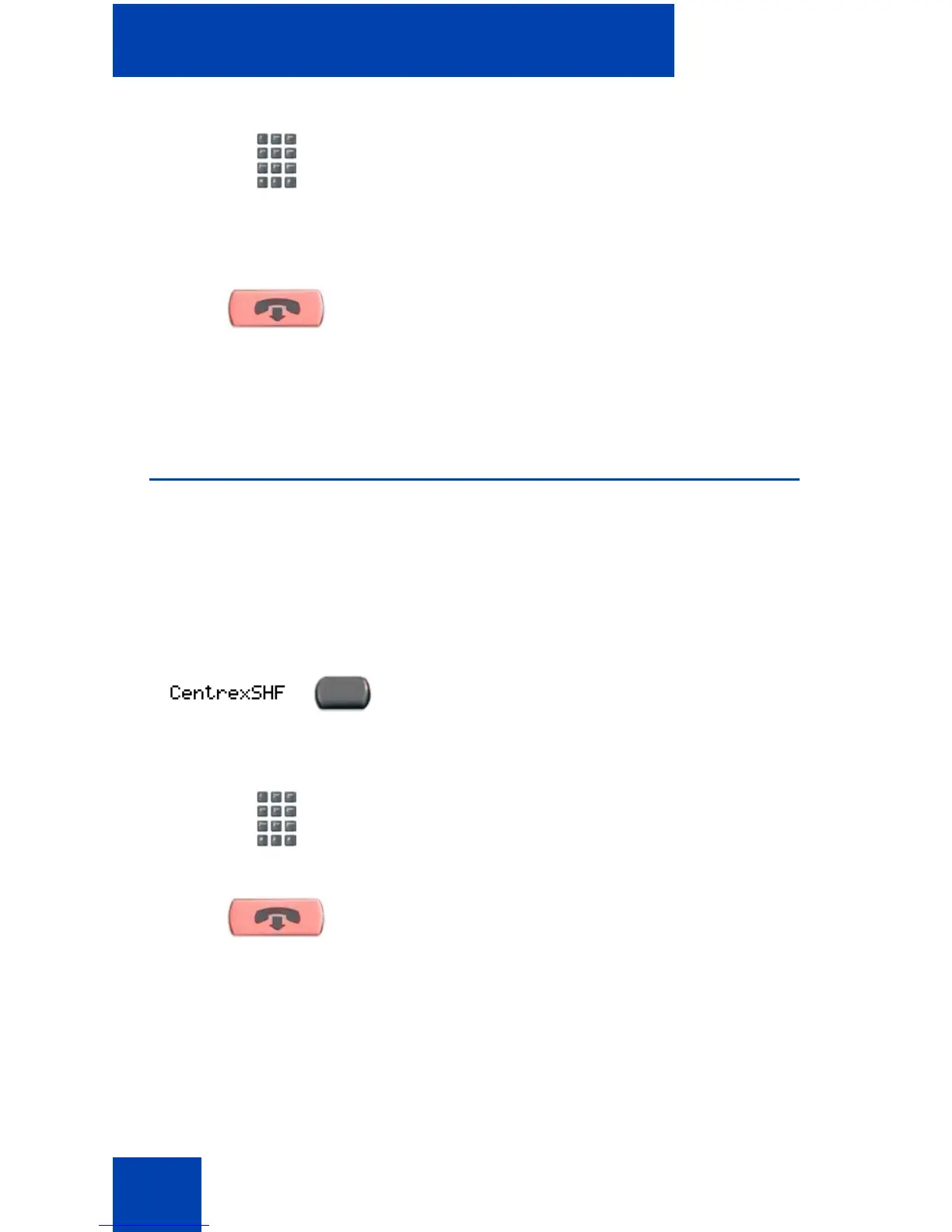
To use Centrex/Exchange Line Switchhook Flash:
2. Dial the Page Trunk Access Code to
complete the connection to the page
system.
3. Make your announcement.
4. Press the Goodbye key
.
1. While on a call, press the Centrex Line
Switchhook Flash key. A special dial
tone sounds.
2. Dial the codes for your custom Centrex
feature.
3. Press the Goodbye key to end the call.
(Goodbye)
(Goodbye)















 To Next Page