Additional telephone features
114
Logging in to Virtual Office
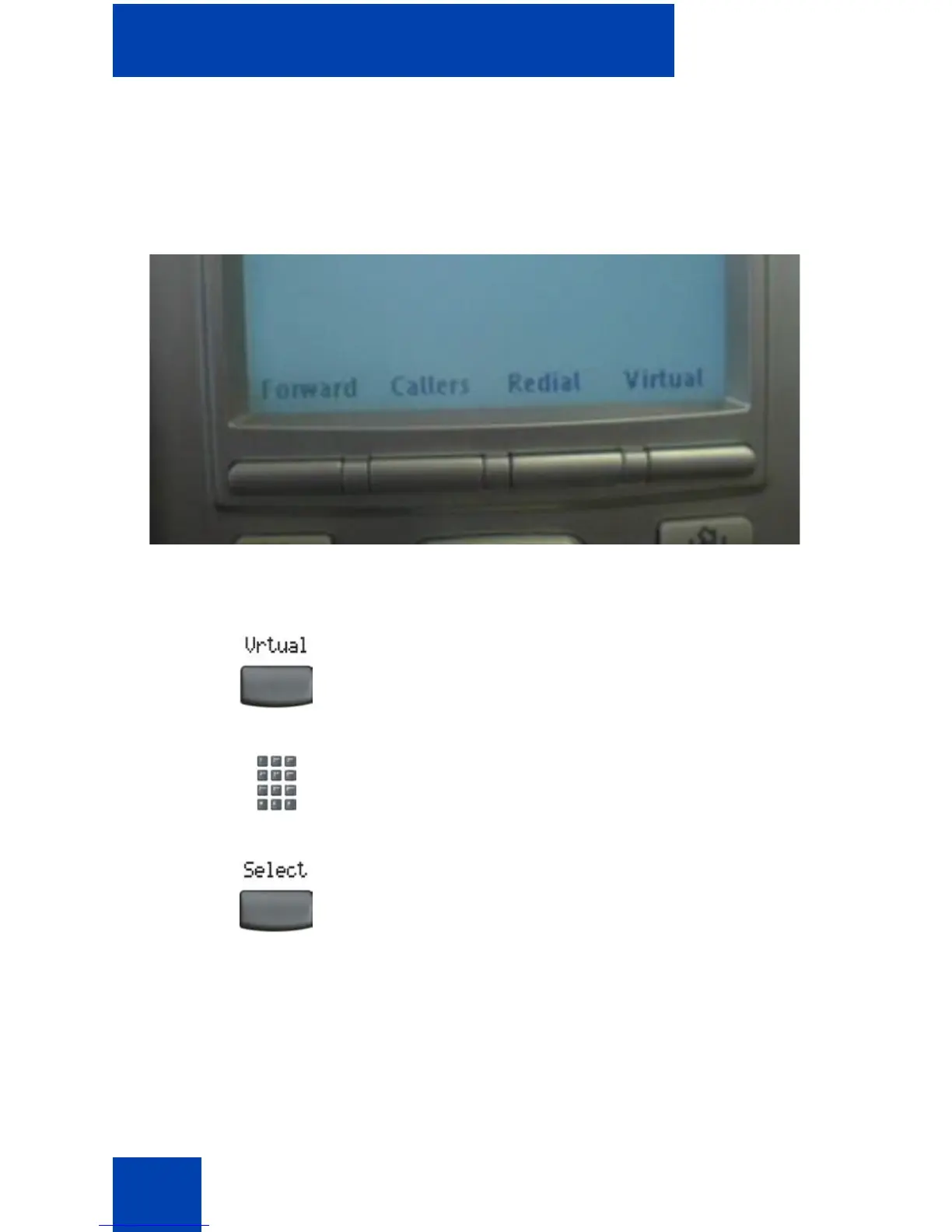
If the IP Phone is configured for Virtual Office, the Virtual soft key is
displayed, as shown in Figure 6.
Figure 6: Virtual soft key
To activate Virtual Office from this IP Phone on your Office IP Phone:
1. Press the Virtual soft key.
2. At the prompt, enter your user ID.
3. Press the Select soft key.















 To Next Page