Making a call
58
Using AutoDial
Use the AutoDial feature to display, store, and automatically dial
telephone numbers.
To store an AutoDial number:
To display an AutoDial number:
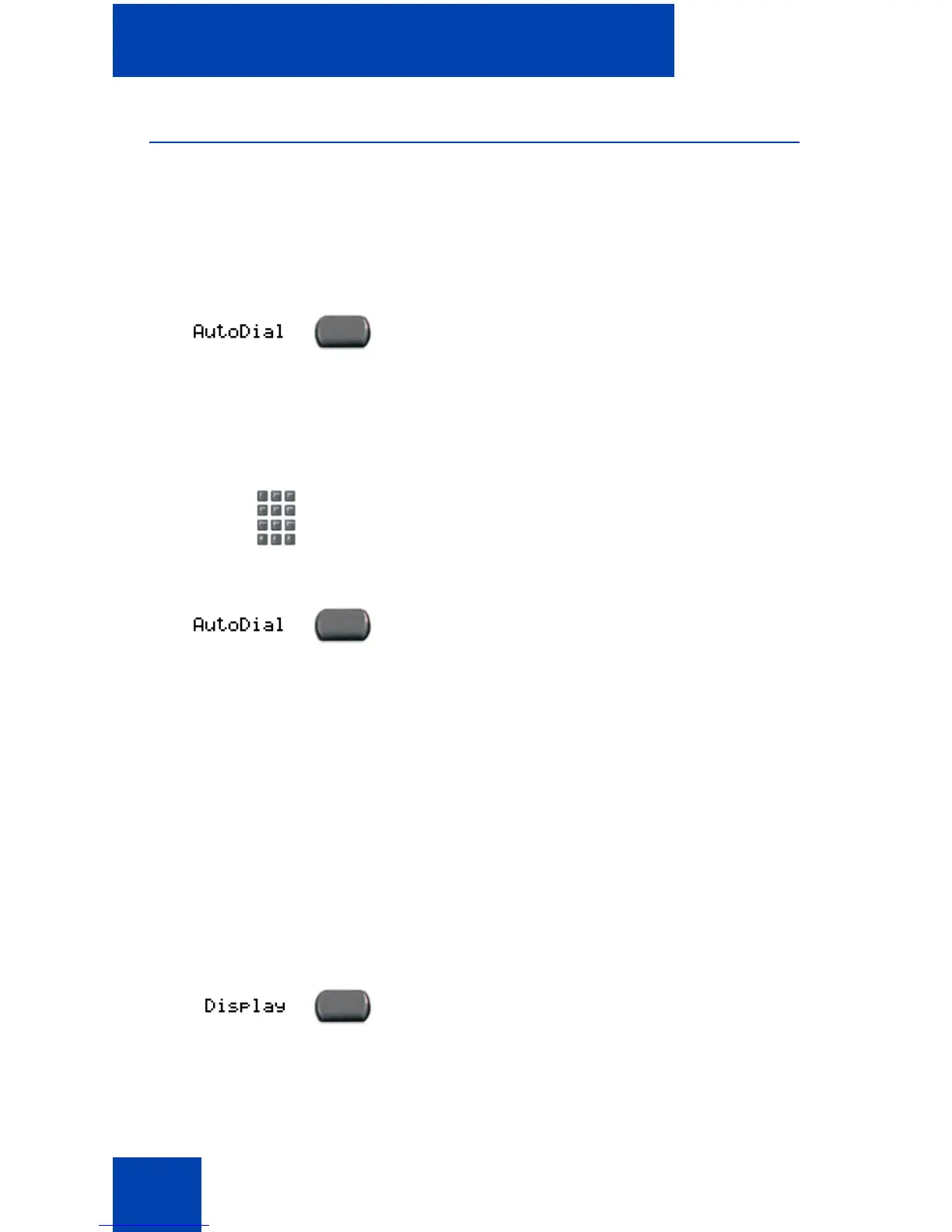
1. Without lifting the handset, press the
appropriate AutoDial key.
Note: The word AutoDial appears next
to the appropriate key on the display
screen.
2. Using the dialpad, dial the telephone
number (including access code) to be
stored on the selected AutoDial key.
3. Press the AutoDial key a second time to
store the number on the selected key.
Note: After a number is stored, the word
AutoDial disappears, and the stored
number appears.
4. Assign a label to the key.
Note: After you assign the label, the
number disappears and only the label
appears on the screen next to the key.
1. Press the Display key.















 To Next Page