While on an active call
73
Tracing a malicious call
Use the Call Trace feature to trace nuisance calls within your system.
Note: This is not a default feature. Contact your system administrator
to configure this feature on your telephone.
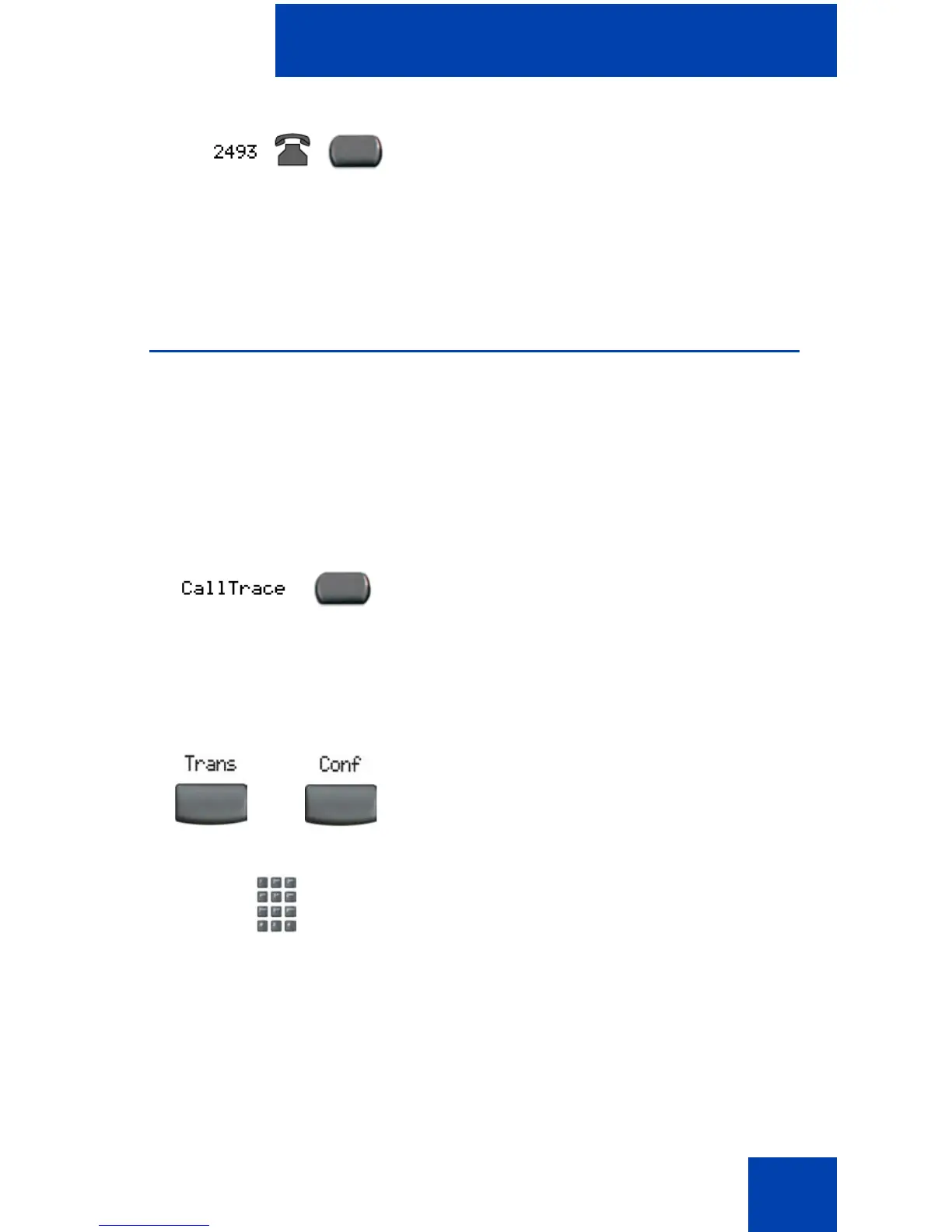
To use Call Trace while on a call:
To use Call Trace without a Call Trace key:
2. Press the flashing line (DN) key. The call
waiting information appears.
Note: You can use the Display key to
show status information when using
other feature keys.
Press the Call Trace key.
1. Choose one of the following:
— Press the Transfer soft key.
— Press the Conference soft key.
2. Dial the SPRE code followed by 83 or
dial the Call Trace FFC to automatically
reconnect.
or















 To Next Page