Configuring options
31
Adjusting the display screen contrast
To adjust the LCD display screen contrast, press the Services key, select
Telephone Options, and select Contrast adjustment from the menu.
Note: If you have a Nortel IP Phone KEM attached to your telephone,
adjusting the telephone’s LCD display screen contrast also adjusts
the display screen contrast configuration for the IP Phone KEM.
To adjust the display screen contrast:
or
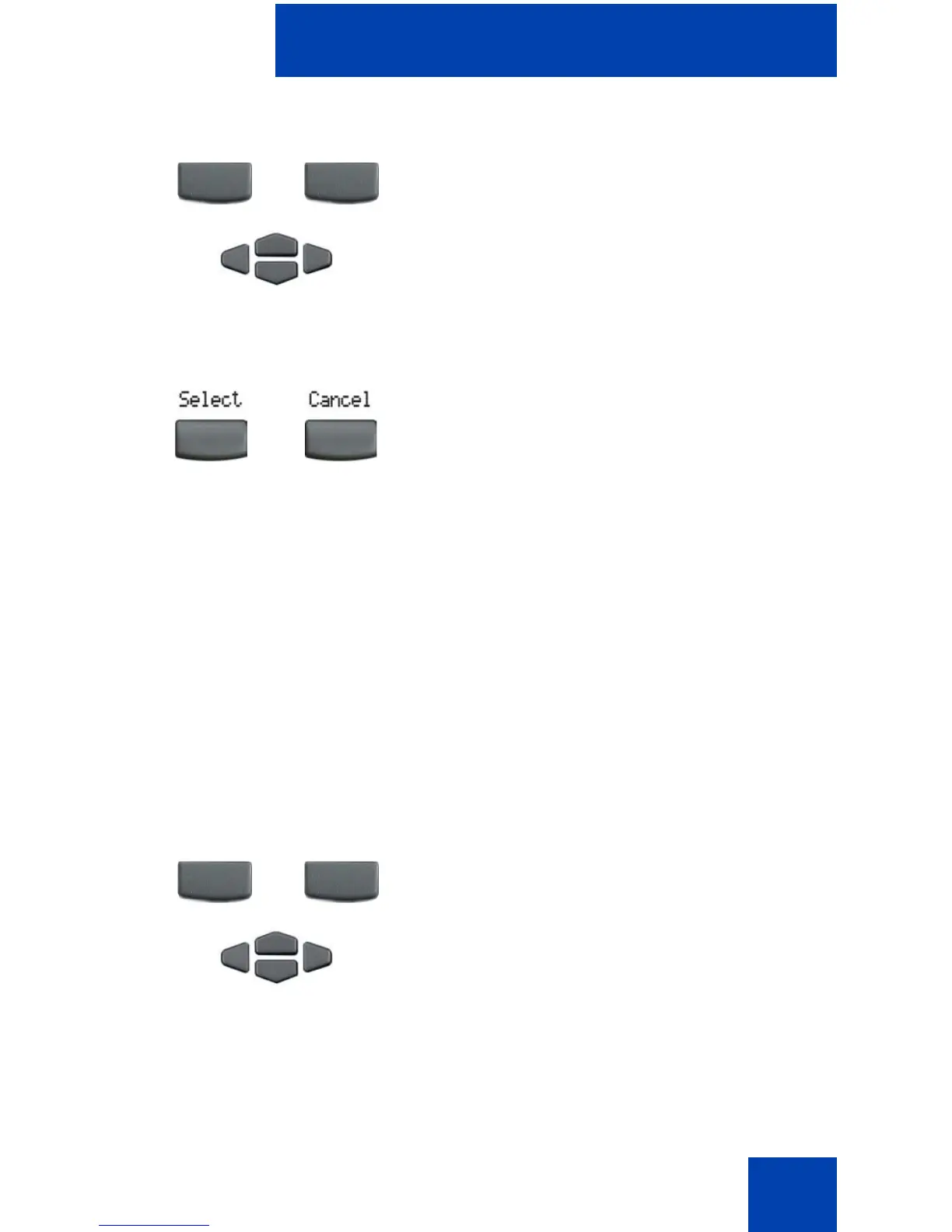
3. To increase or decrease the volume, do
one of the following:
— Press the Down/Up soft keys.
—Press the Up/Down navigation keys.
4. Choose one of the following:
—Press the Select soft key to save the
volume level and return to the
Telephone Options menu.
— Press the Cancel soft key to keep
existing configurations.
or
1. To increase or decrease the display
contrast level, choose one of the
following:
— Press the Down/Up soft keys.
—Press the Up/Down navigation keys.
Down Up
or
or
Down Up
or















 To Next Page