While on an active call
67
Transferring a call
Use the Transfer feature to redirect a call to the appropriate person.
To use the Transfer feature to direct a call to a third party:
To return to the original call if the transfer is incomplete:
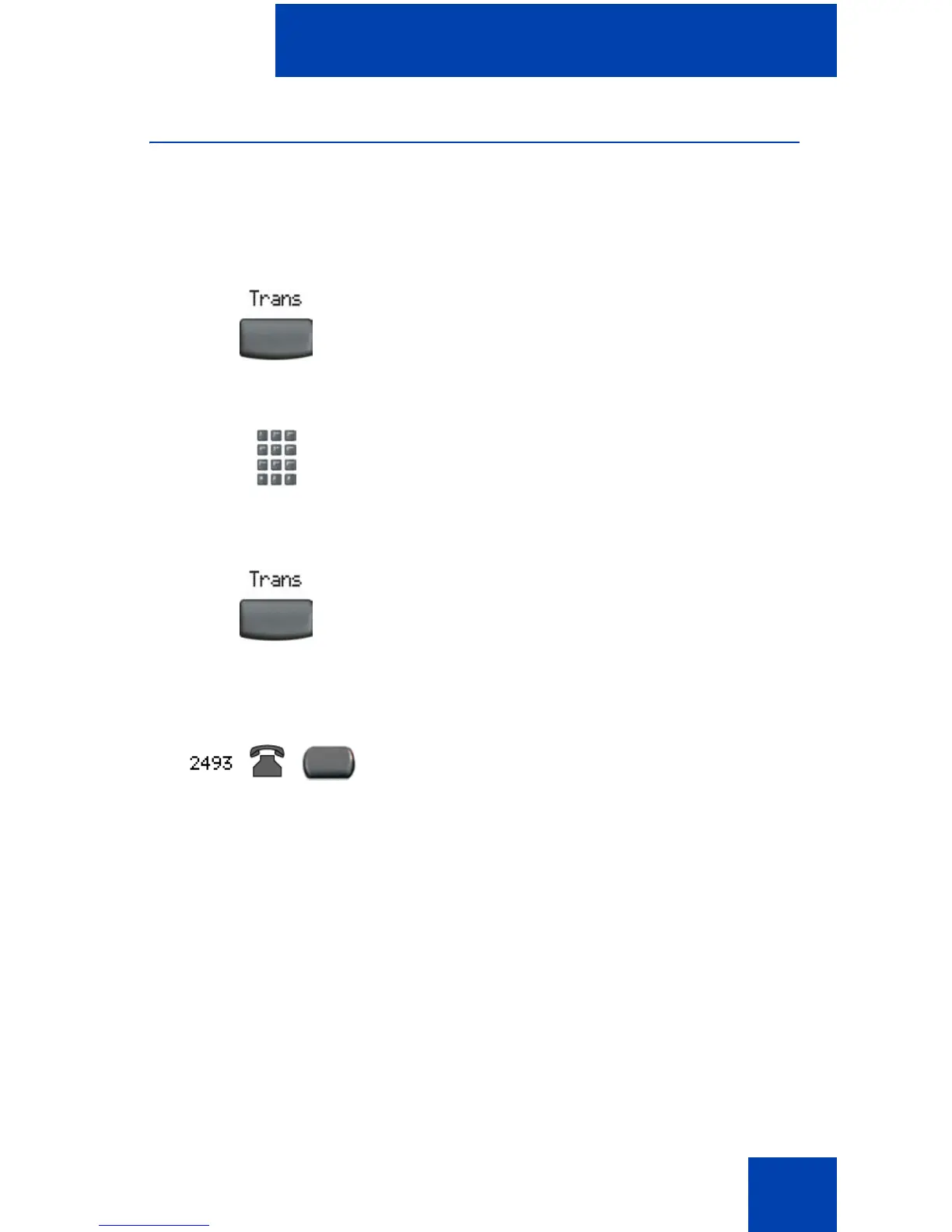
1. Press the Transfer soft key. The other
party is put on hold and a dial tone
sounds. The LCD indicator light flashes
steadily.
2. Dial the DN number to which the call is
to be transferred or use Personal
Directory, Redial List, or Callers List
to select a number to dial.
3. After that number rings or a person
answers, press the Transfer soft key to
connect the calling party.
If the person called is not available,
press the line (DN) key (next to the LCD
indicator) to reconnect to the original
call.















 To Next Page