Answering a call
65
Answering a call
Each incoming call causes the telephone to ring, the LCD indicator
beside the line (DN) key to flash, and the Message Indicator lamp to flash.
Note: During an incoming call, if you have a feature key page
selected that does not contain the flashing DN line key, the display
will revert to the active feature key page. This enables you to answer
the call without having to press the shift key.
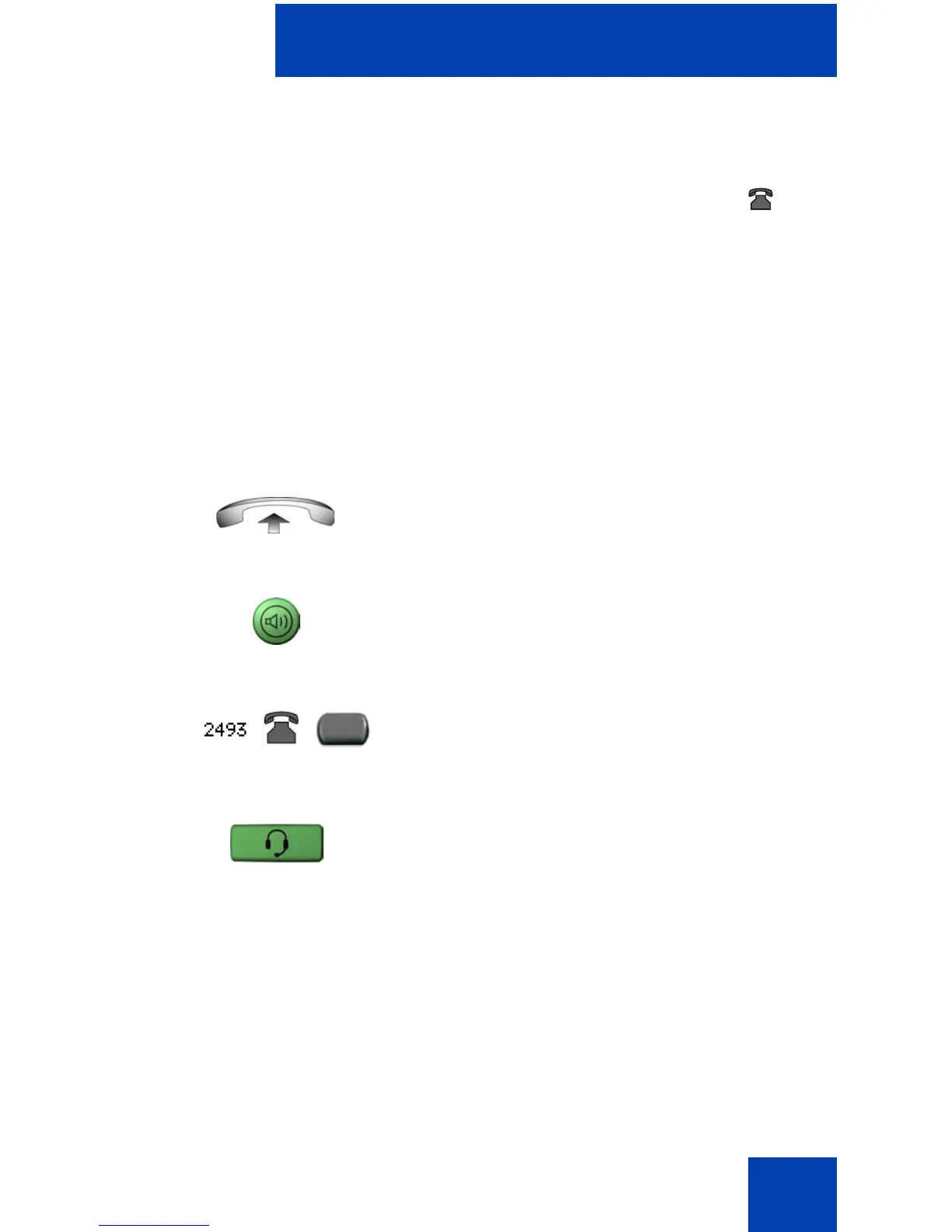
To answer a call:
Choose one of the following four options:
or
•Lift the handset.
or
• Press the Handsfree button located on
the left side of the handset.
or
• Press the line (DN) key beside the LCD
indicator as it flashes.
• Press the Headset key if a headset is
connected to your telephone.















 To Next Page