Additional telephone features
117
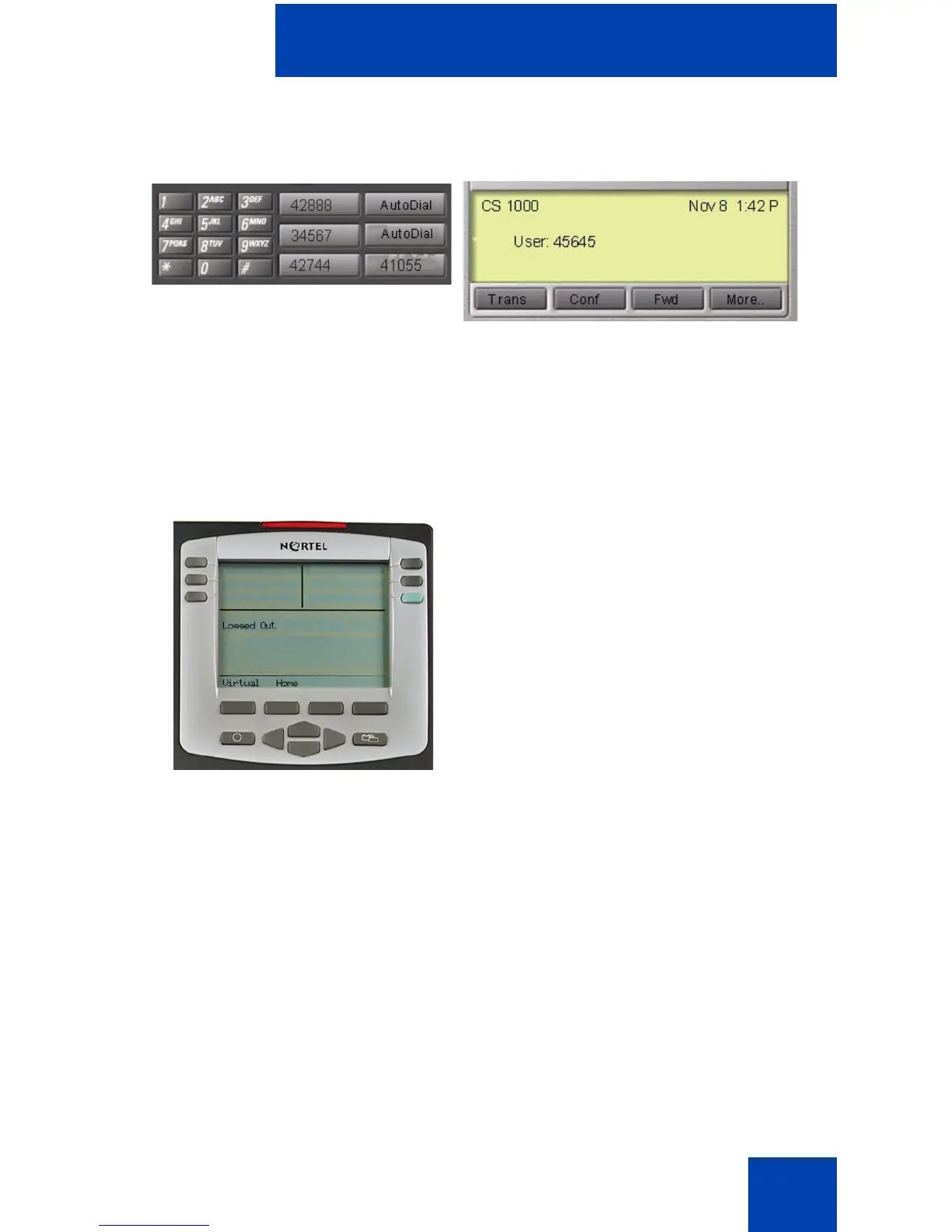
Figure 9: Logged on to an IP Phone 2004 using an
IP Softphone 2050
A user information line appears on all displays listing the number of your
office telephone.
Using Virtual Office on your office telephone
When activated for Virtual Office by
a remote telephone, your office
telephone is logged out and no
longer operational.
A Logged Out message appears on
your telephone alerting you that it is
being used for Virtual Office.















 To Next Page