Additional telephone features
118
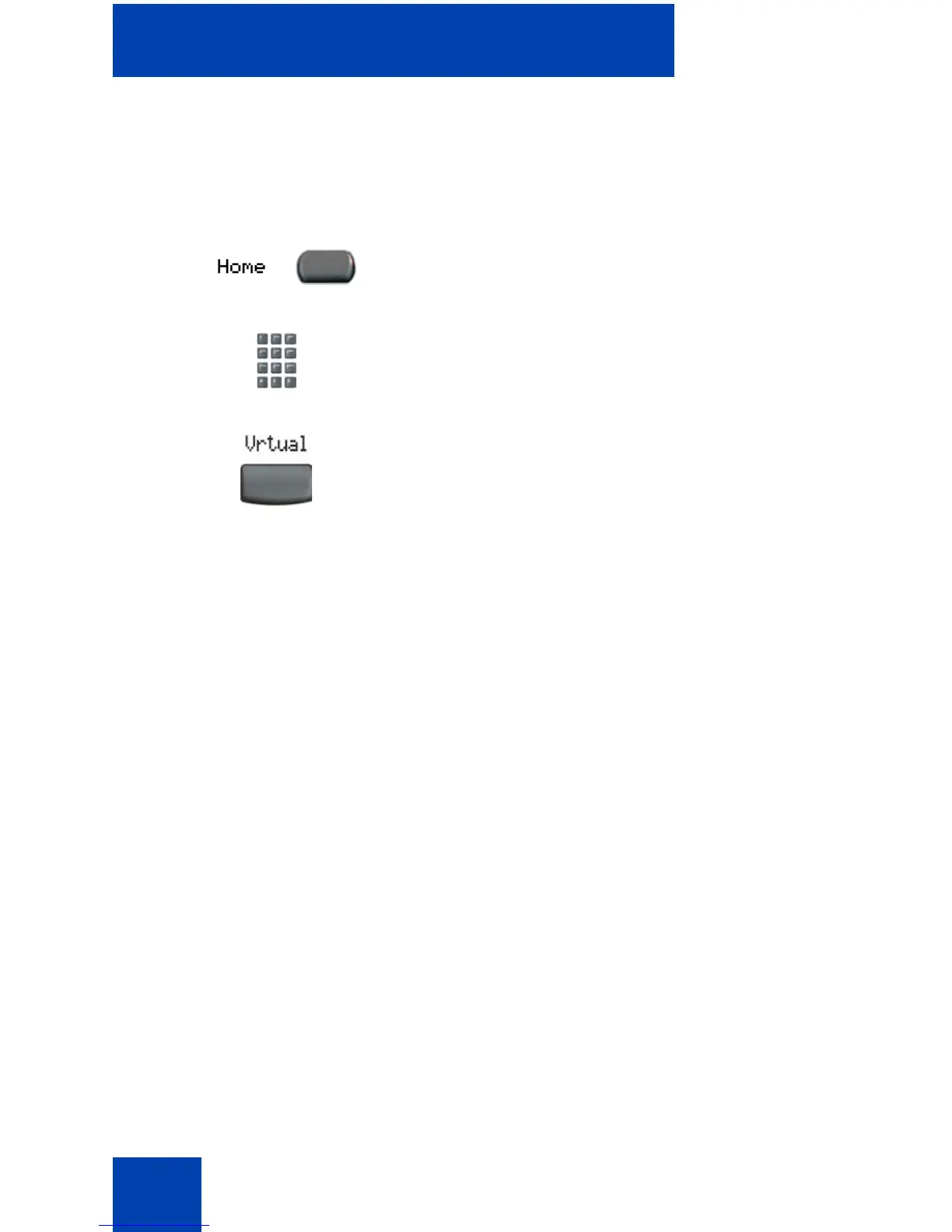
To regain operation of a telephone being used for Virtual Office:
Logging out of Virtual Office
To log out of Virtual Office, press the Virtual soft key.
Automatic log out from Virtual Office
Your remote Virtual Office IP Phone may be configured to automatically
log out of Virtual Office after a predetermined period of inactivity. When
automatic logout is about to occur, the following message is displayed on
the IP Phone: "Logout phone now?"
Press Yes to allow the IP Phone to log out of Virtual Office or press No to
remain logged in to Virtual Office and reset the IDLE timer. If no key is
pressed, the IP Phone logs out of Virtual Office.
Emergency calls on your Remote IP Phone
If you make an emergency call while logged in to Virtual Office on a
Remote IP Phone, the call is placed to the local emergency service, not to
your home office emergency service.
Note: Some IP Phones are configured as Virtual Office-only
telephones and have no assigned DN. However, these IP Phones
or
Choose one of the following:
1. To completely disconnect your office
telephone from the remote telephone:
a. Press the Home key.
b. Enter your user ID and password
(this logs the office telephone back
on to your office network).
2. To use your office telephone as the
remote telephone for Virtual Office,
press the Virtual soft key to log in to
another IP Phone.















 To Next Page