Using Hospitality features
126
Using Hospitality features
Hospitality features are intended for hotel operations.
Configuring Automatic Wake-Up
Use the Automatic Wake-Up feature to receive a timed reminder call.
From your telephone, you can program the system to automatically place
a call to you at a predetermined time. When you answer the call, recorded
music plays for up to 30 seconds, followed by a prerecorded
announcement or the attendant.
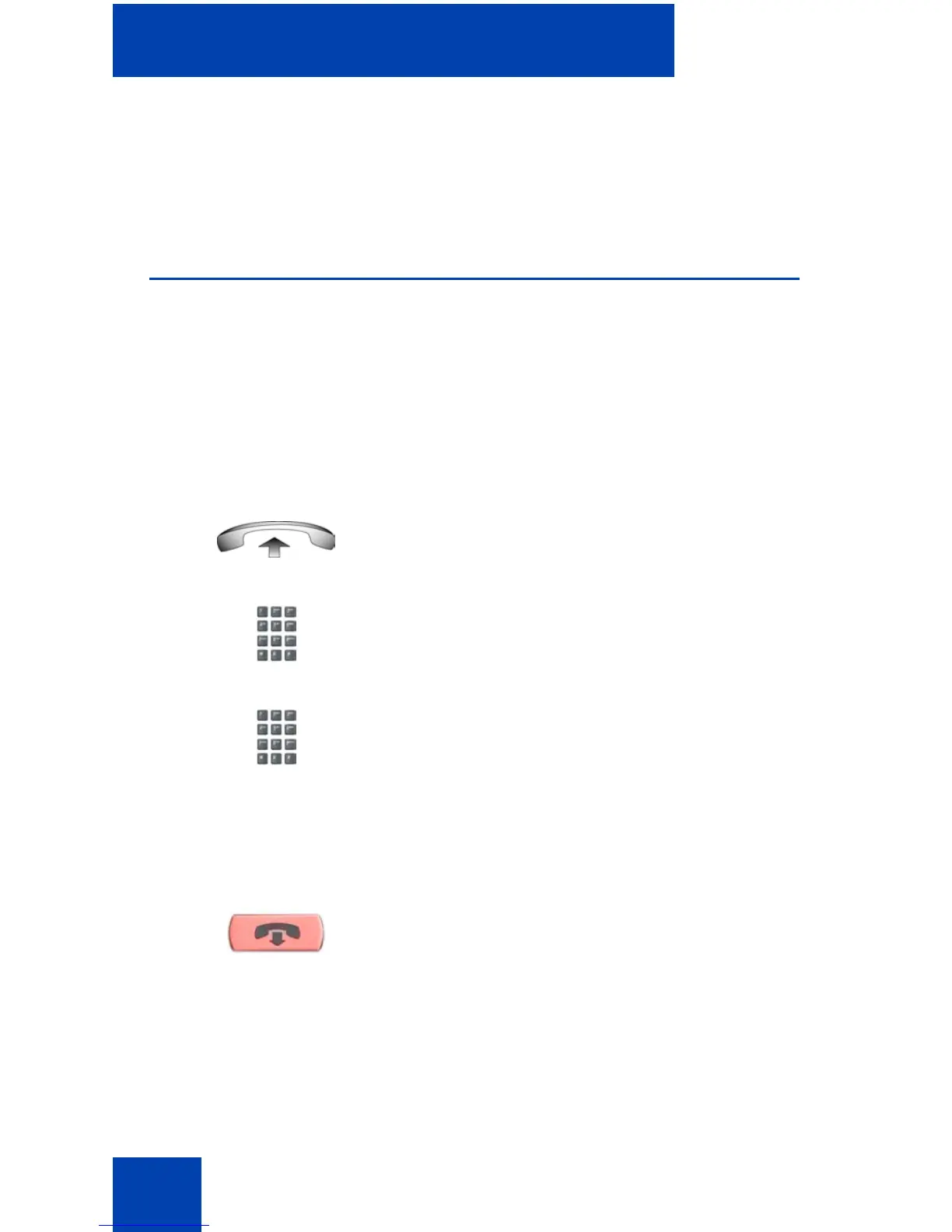
To enter the time for an Automatic Wake-Up call:
1. Lift the handset.
2. Dial the Automatic Wake-Up Request
FFC.
3. Dial the Automatic Wake-Up time in a
24-hour time format (hhmm). A tone
sounds to confirm your entered time.
Note: In a 24-hour time format,
7:30 a.m. is entered as 0730;
9:45 p.m. is entered as 2145.
4. Press the Goodbye key.
(Goodbye)















 To Next Page