Configuring options
30
Adjusting the volume
To adjust the volume, press the Services key, select Telephone
Options, and select Volume adjustment… from the menu. Select
Ringer, Handset, Handsfree, Headset, or Buzzer.
To adjust the volume:
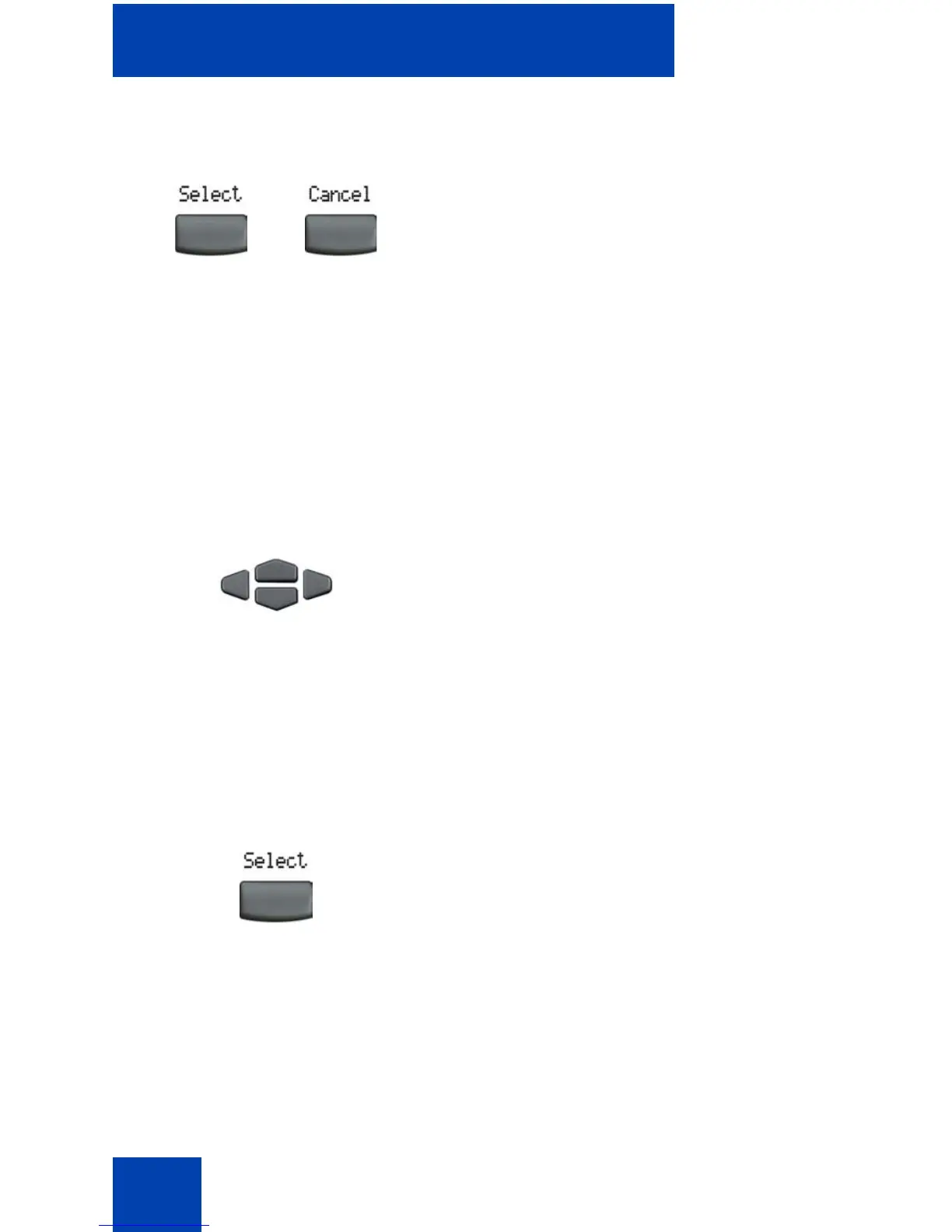
6. Choose one of the following:
— Press the Select soft key to save
changes and return to the
Telephone Options menu.
— Press the Cancel soft key to keep
existing configurations.
1. Press the Up/Down navigation keys to
scroll and to highlight one of the
following:
— Ringer
— Handset listen
— Handsfree listen
— Headset listen
—Buzzer
2. Press the Select soft key.
or















 To Next Page