Incoming calls
74
Incoming calls
You can use the following features when you have an incoming call:
• “Using Automatic Answerback” on page 74
• “Using Call Pickup” on page 75
• “Using Call Waiting” on page 76
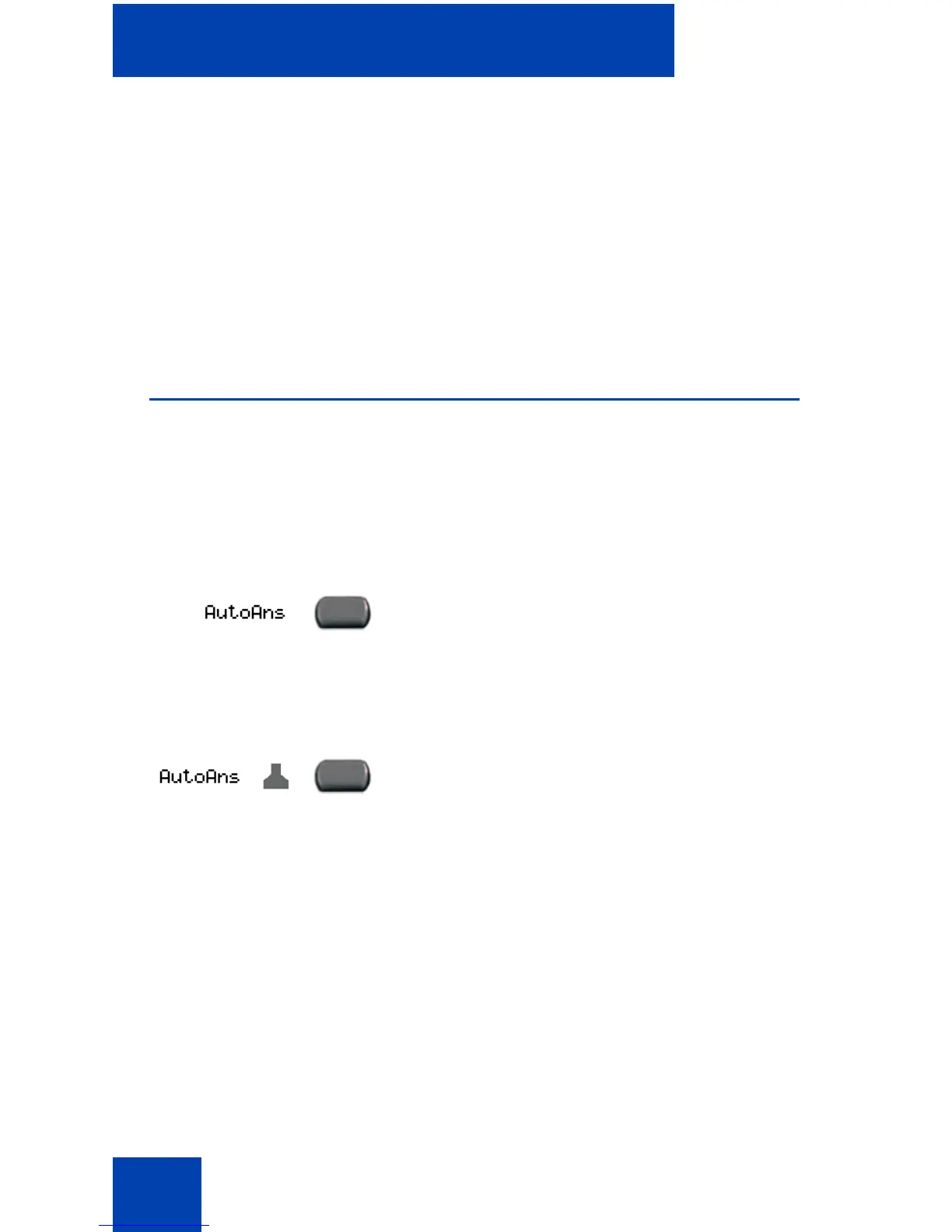
Using Automatic Answerback
When the Automatic Answerback feature is active, your telephone
automatically answers in Handsfree mode after one ring; however, calls
are not forwarded to the voice message service.
To activate Automatic Answerback:
To deactivate Automatic Answerback:
Press the Automatic Answerback key.
Press the Automatic Answerback key
again.















 To Next Page