Making a call
50
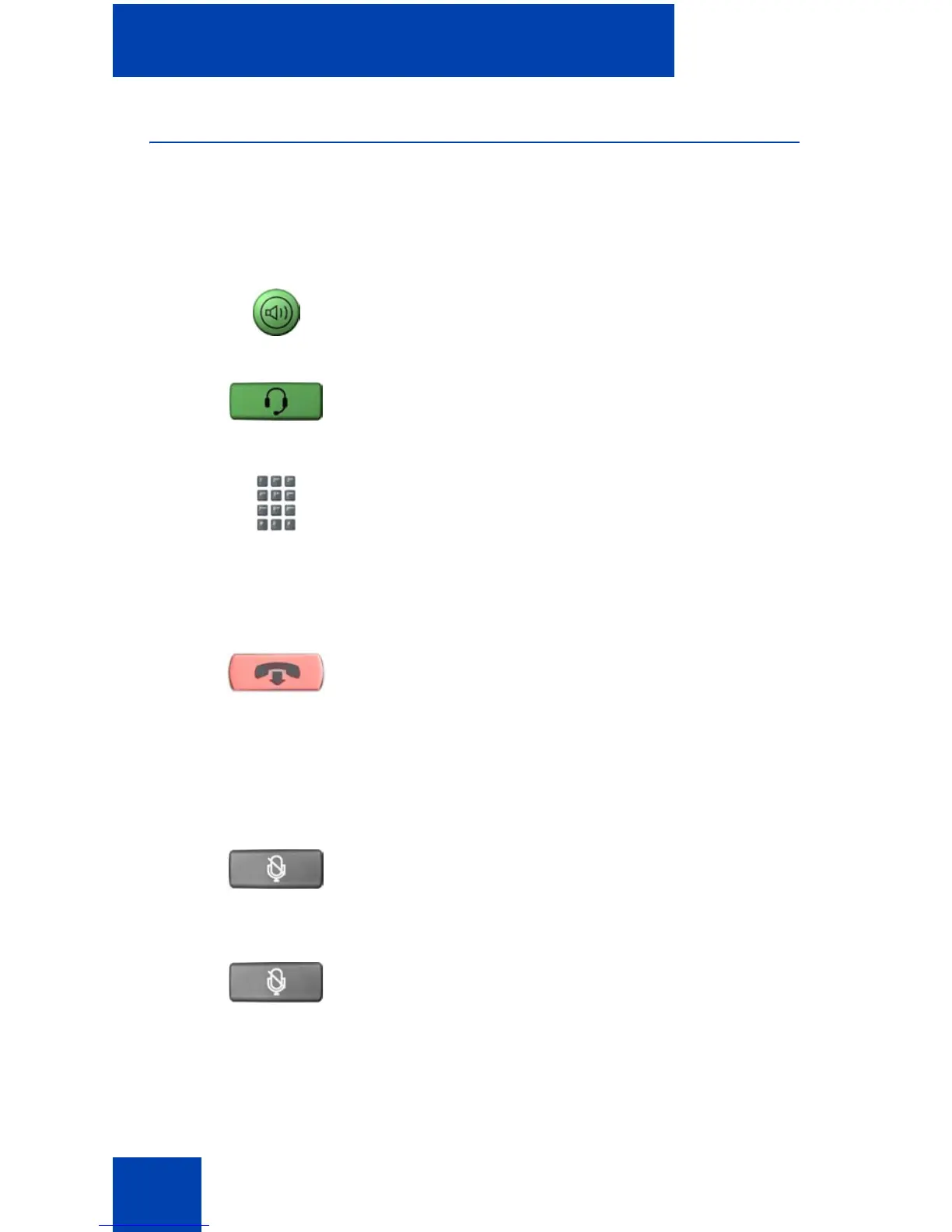
Using Handsfree dialing
Use Handsfree dialing to use a built-in microphone and speaker or a
headset instead of the handset. While on an active call, you can switch
between handset and handsfree mode.
To discontinue a Handsfree call:
To mute a Handsfree call:
1. Press the Handsfree key.
2. If a headset is connected, press the
Headset key.
3. Dial the number.
Press the Goodbye key.
1. Press the Mute key. The LED indicator
flashes.
2. Press the Mute key again to return to a
two-way handsfree conversation.
(Goodbye)
(Mute)
(Mute)















 To Next Page