Additional telephone features
112
Using Virtual Office
Use the Virtual Office feature to transfer calls and your office IP Phone
settings to a remote IP Phone. You can use the remote IP Phone as if it
were your office IP Phone. You can use another IP Phone (the remote
phone) to log on to your Office IP Phone. After you log on, you can
access the DNs and autodial numbers, and you have the same key
layout, feature keys, and voice mail features that are configured on your
office IP Phone.
To use Virtual Office, you need your DN and a preconfigured SCPW. You
must activate Virtual Office on your office IP Phone before you can
connect to it from a remote IP Phone. See “Logging in to Virtual Office” on
page 114.
The IP Phone used as a remote phone to connect to your IP Phone 2004
does not have to be another IP Phone 2004. Table 3 on page 112 shows
the IP Phones on which you can use Virtual Office to connect to your IP
Phone 2004.
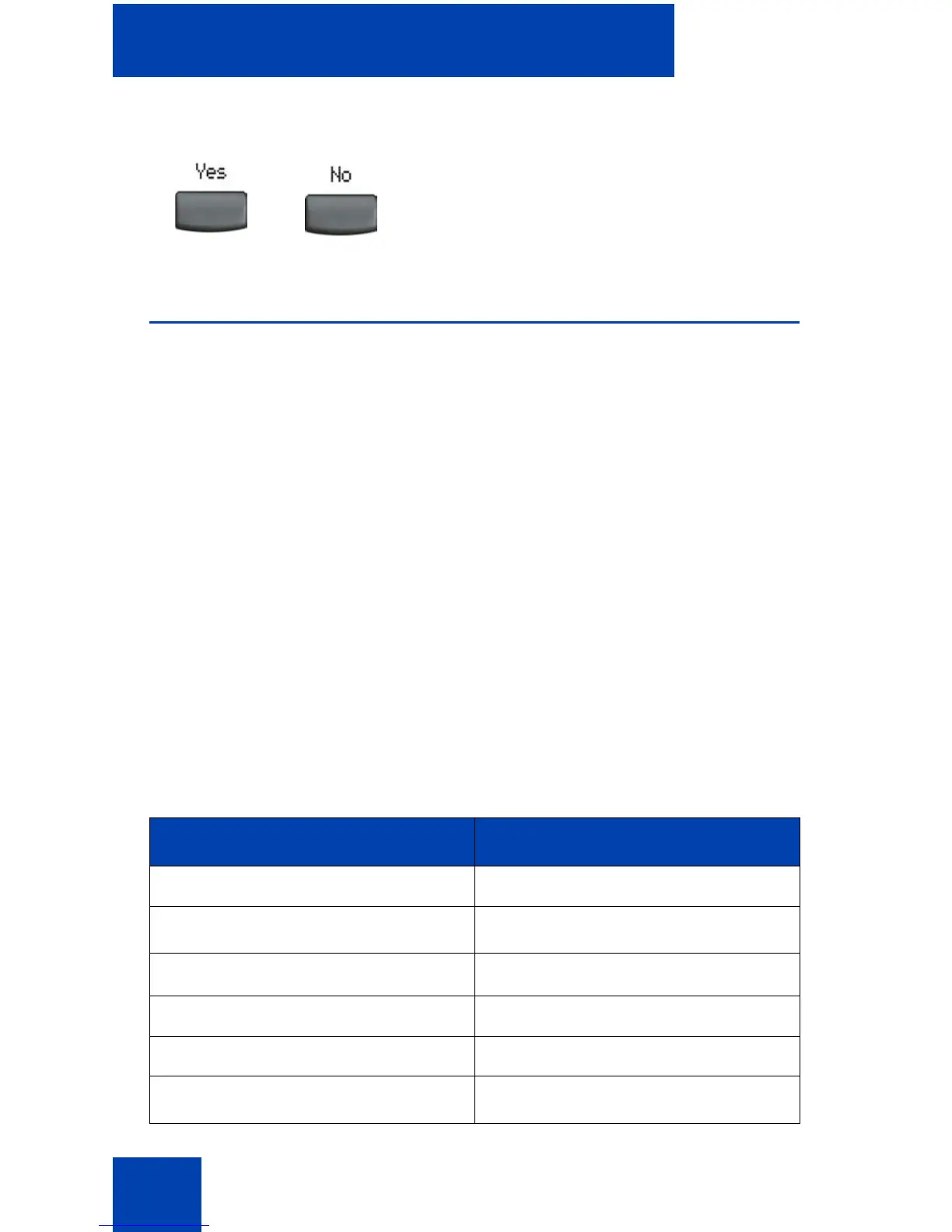
2. Choose one of the following soft keys:
— Yes to delete entire Redial List.
— No to return to the previous screen.
Table 3: Virtual Office connection availability (Part 1 of 2)
IP Phone Can I log on to IP Phone 2004?
IP Phone 1110 Yes, with extra key restrictions
IP Phone 1120E Yes, with extra key restrictions
IP Phone 1140E
Yes
IP Phone 1150E No
IP Phone 1165E Yes
IP Phone 2001
Yes, with extra key restrictions
or















 To Next Page