About the Nortel IP Phone 2004
20
Call features and Flexible Feature Codes
System administration is required for call features and Flexible Feature
Codes (FFCs). Contact your system administrator to configure these
features and codes on your telephone.
The Call features and FFCs must be assigned to your telephone and
supported by system software.
Security features
This section describes the following features, which are designed to
enhance the security of your IP Phone 2004:
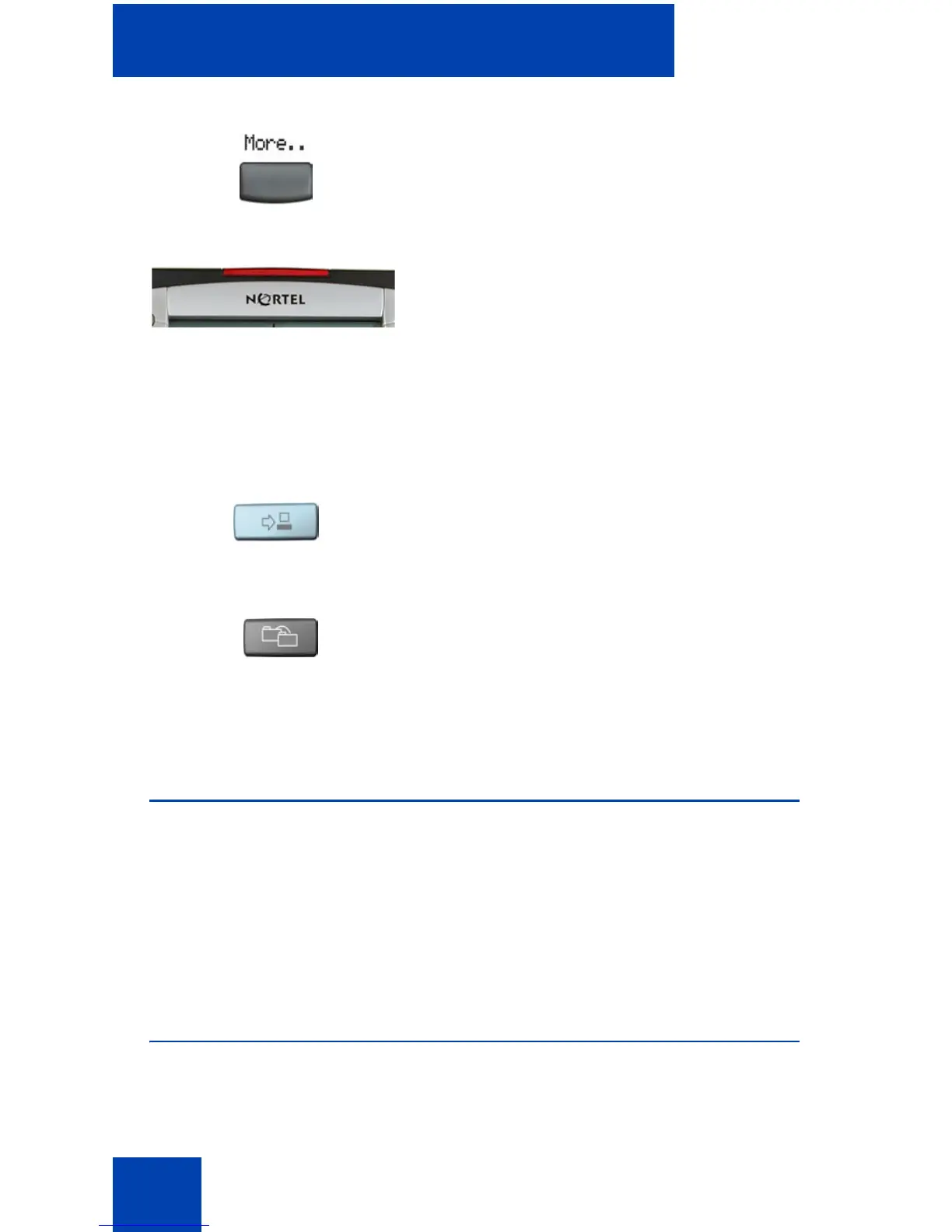
Press the More.. soft key to access the next
layer of soft keys (self-labeled).
When a message is waiting, or there is an
incoming call, the red Message
Waiting\Incoming Call Indicator LED at the
top center of the IP Phone flashes. The flash
cadence for each alert is different.
Note: You may also hear an audio
Message Waiting Indicator (stutter or
beeping dial tone) when you go off-hook.
Use the Expand to PC key to access
external server applications.
Press the Copy key to copy entries to your
Personal Directory from other lists, such as
the Caller List, Redial List, and Corporate
Directory.
(Expand)















 To Next Page