Configuring options
32
Selecting a Language
The display is available in multiple languages. To choose a language,
press the Services key, select Telephone Options, and select
Language… from the menu.
If the Language setting is password-protected, you must enter a
password (SCPW) to change the language. If you enter an incorrect
password, an error message is displayed. If you enter an incorrect
password more than three times, the password functionality is locked.
Contact your system administrator to unlock the password.
To select a Language:
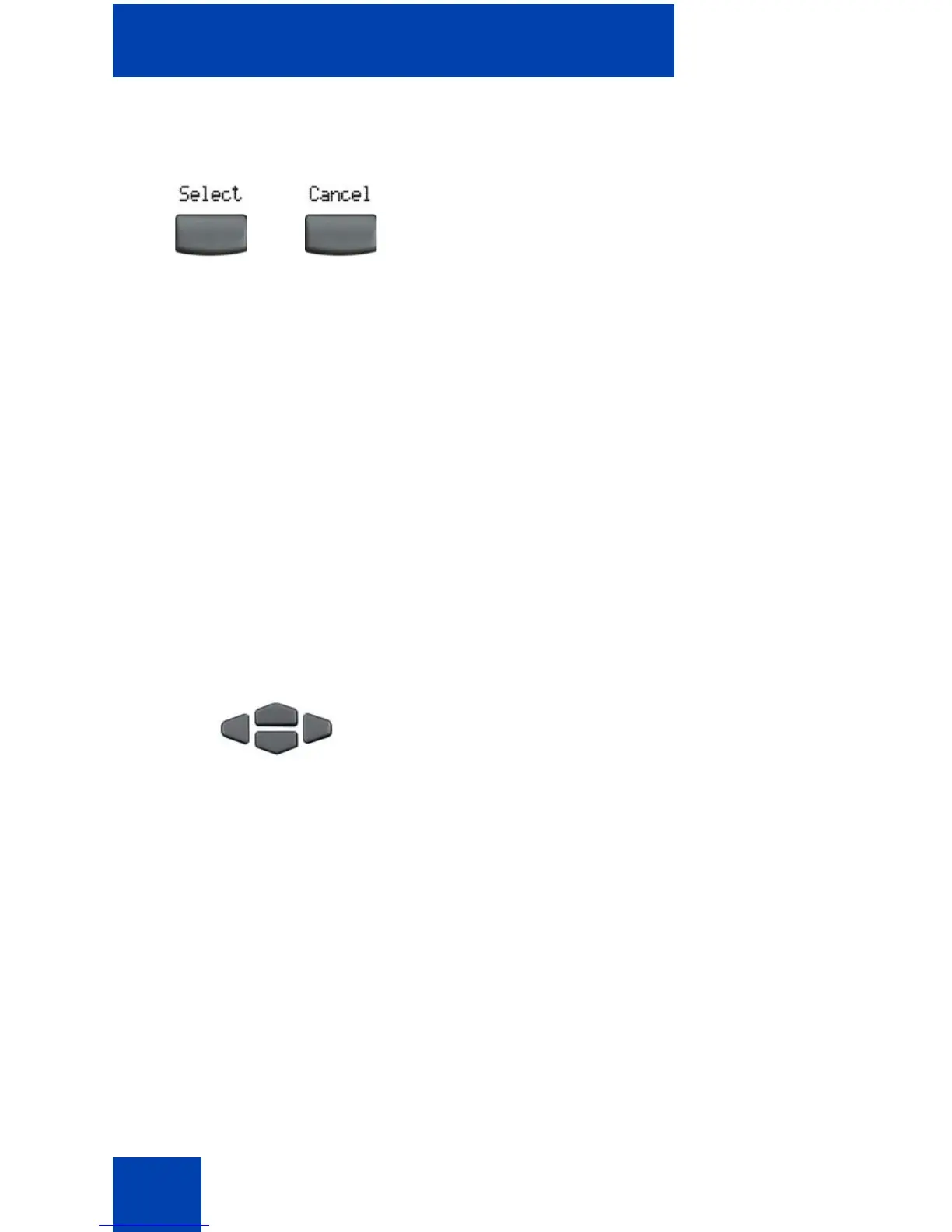
2. Choose one of the following:
—Press the Select soft key to save the
changes and return to the
Telephone Options menu.
— Press the Cancel soft key to keep
existing configurations.
1. Press the Up/Down navigation keys to
scroll and to highlight the desired
language (for example, German
[Deutsche]).
Note: Some languages may not be
installed on your IP Phone. Contact your
system administrator for more
information on available languages.
or















 To Next Page