While away from your desk
81
To deactivate Remote Call Forward:
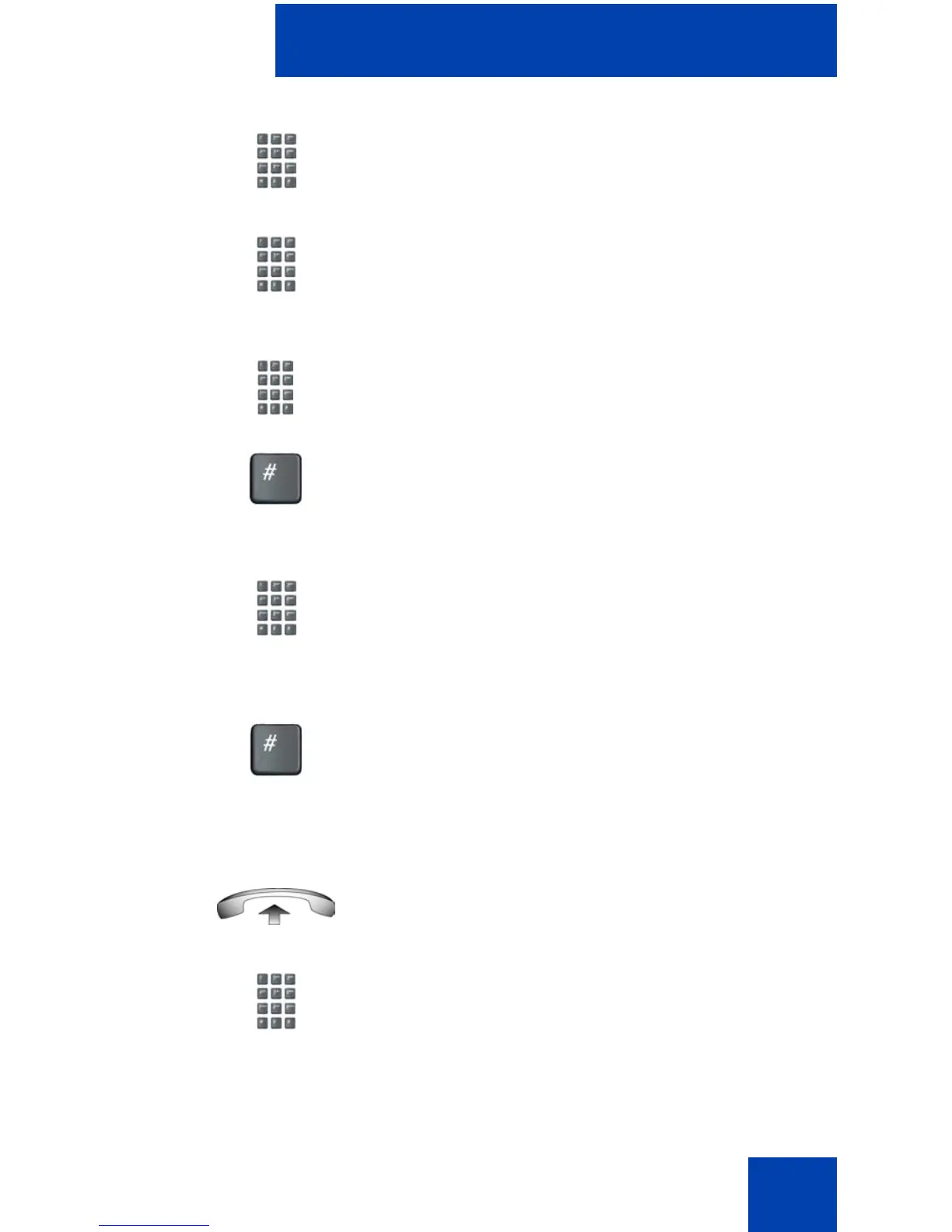
3. Dial the Remote Call Forward Activate
FFC to activate the feature.
4. Dial your Station Control Password. A
dial tone sounds.
5. Choose one of the following:
— Dial your DN.
— To forward calls to the previous call
forward telephone number, press
the # key. (Do not perform steps 6
and 7).
6. Dial the number to which calls are being
forwarded. If calls are forwarded to an
invalid number, a fast busy signal
sounds.
7. Press the # key.
1. Lift the handset.
2. If calling from a telephone outside the
system, dial the direct system access
number and wait for the dial tone.
or















 To Next Page