Additional telephone features
106
To edit an entry:
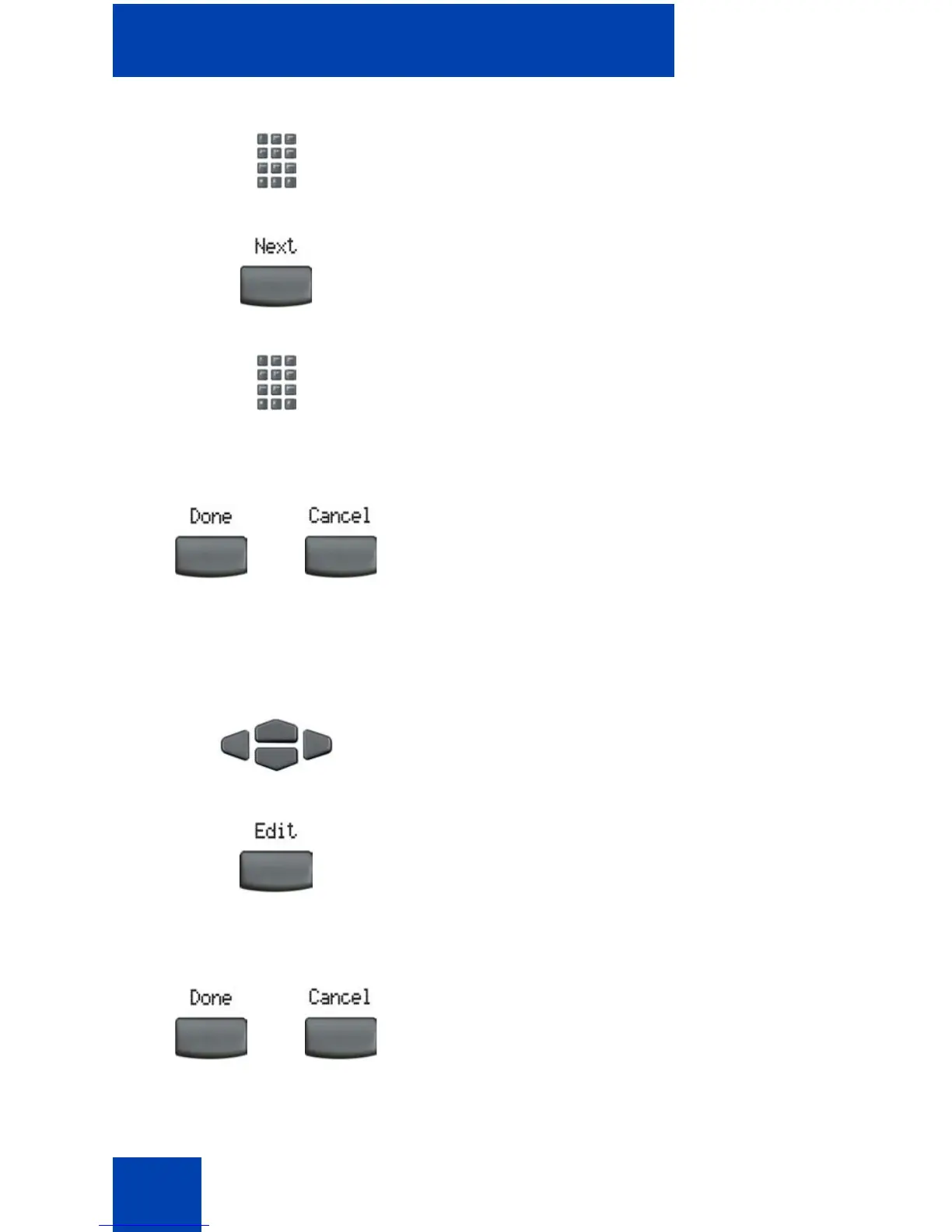
3. Use the dialpad to enter the telephone
number.
4. Press the Next soft key.
5. Use the dialpad to enter the name.
6. Do one of the following:
— Press the Done soft key to save the
new entry.
— Press the Cancel soft key to return
to the Add screen.
1. Press the Up/Down navigation keys to
scroll and to highlight the desired entry.
2. Press the Edit soft key and perform your
edits.
3. Choose one of the following:
— Press the Done soft key to save the
changes.
— Press the Cancel soft key.
or
or















 To Next Page