Additional telephone features
109
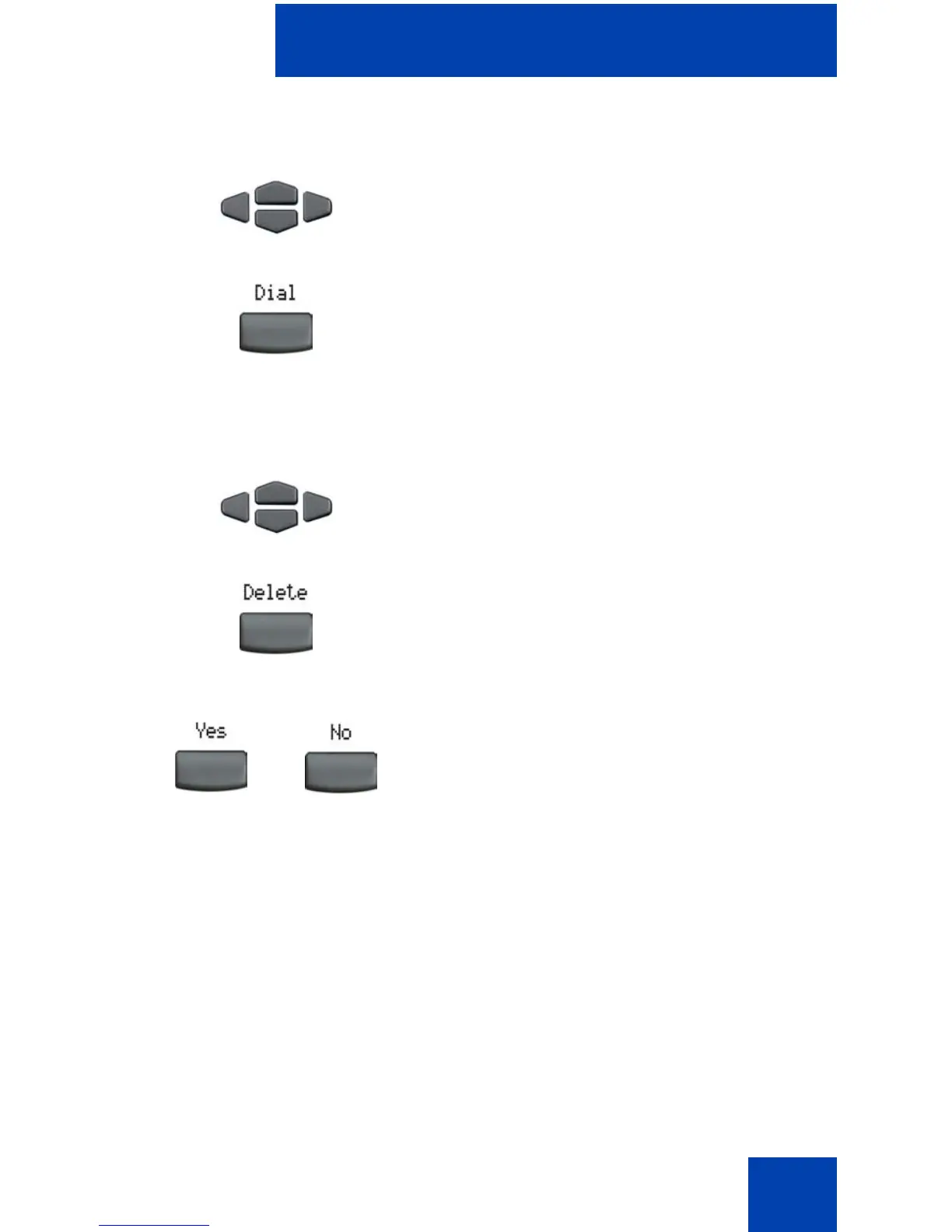
To dial an entry:
To delete an entry:
1. Press the Up/Down navigation keys to
scroll and to highlight the desired entry.
2. Press the Dial soft key.
1. Press the Up/Down navigation keys to
scroll and to highlight the desired entry.
2. Press the Delete soft key.
3. Choose one of the following:
— Press the Yes soft key.
— Press the No soft key.
or















 To Next Page