About the Nortel IP Phone 2004
16
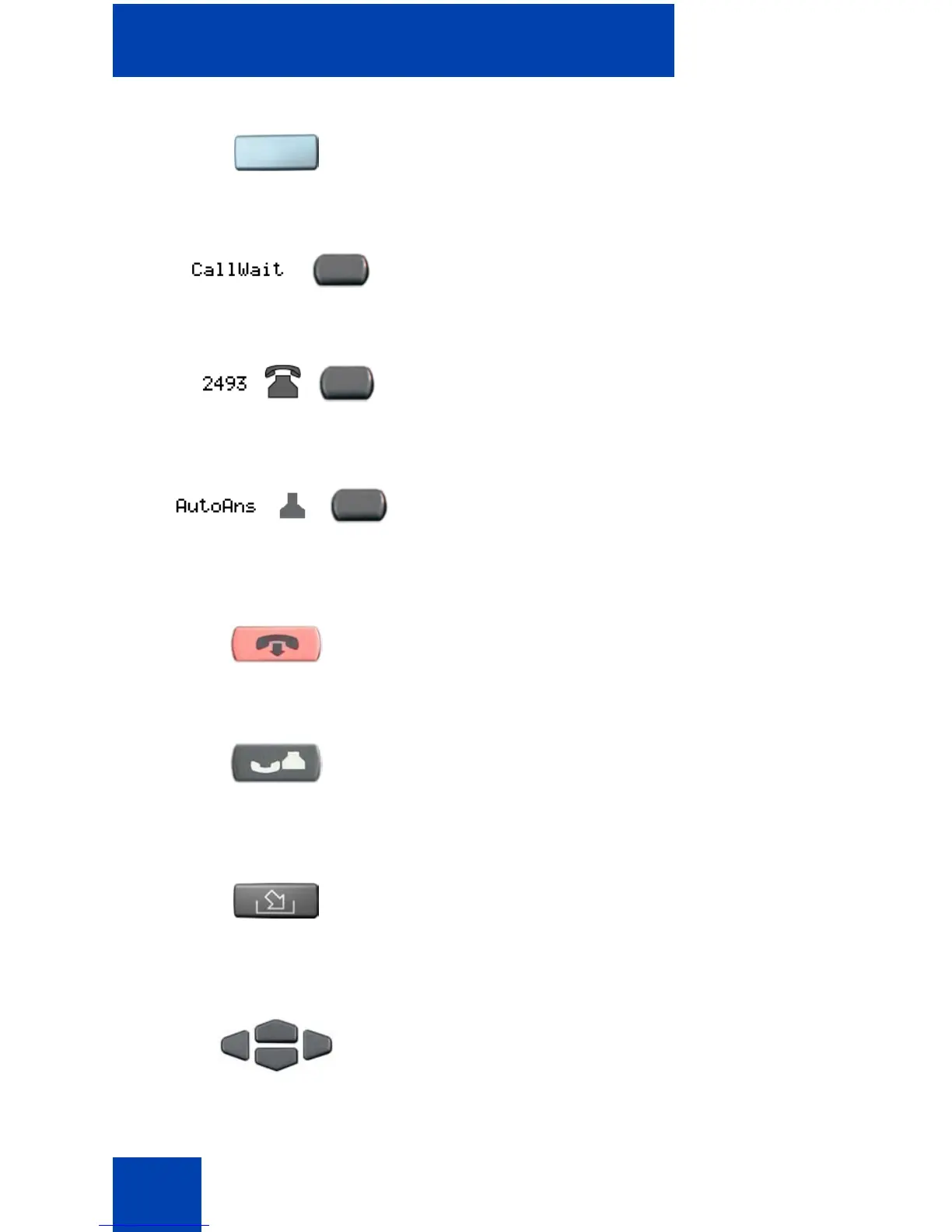
Use the Primary Directory Number (DN) to
access a single line and activate on-hook
dialing.
Programmable line (DN) and feature keys
are extra DNs or feature keys used to access
additional features.
A steady LCD light beside a line (DN) key
indicates that the line is active. A flashing
LCD indicates that the line is on hold.
A steady LCD light beside a feature key
indicates that the feature is active. A flashing
LCD indicates that the feature is being
programmed.
Use the Goodbye key to terminate an active
call.
Press the Hold key to put an active call on
hold. Press the line (DN) key beside the
flashing LED indicator to return to the caller
on hold.
Press the Message (Inbox) key to access
your voice mailbox.
Use the Navigation keys to scroll through
menus and lists appearing on the LCD
display screen.
(Goodbye)
(Hold)
(Msg/Inbox)















 To Next Page